Reducing meeting fatigue with automated ai summaries

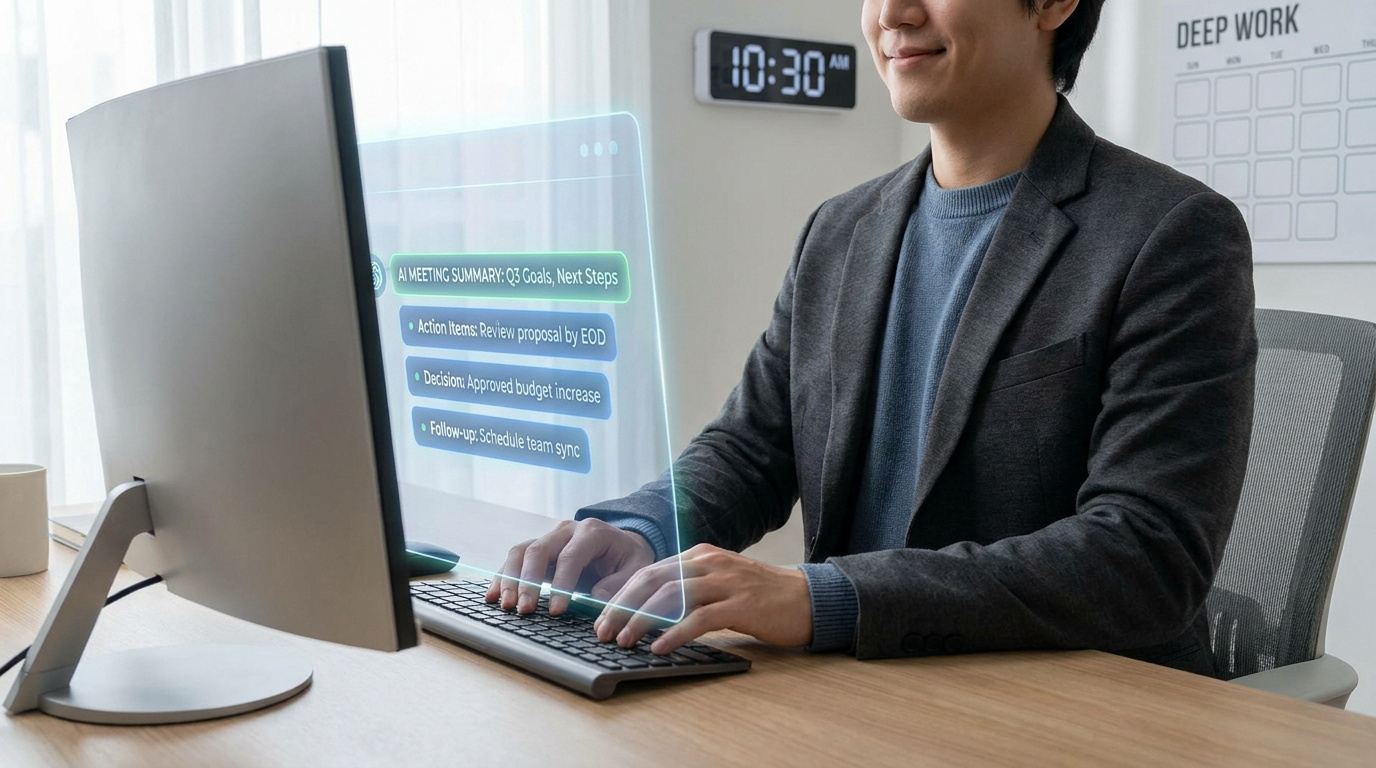
A professional using a computer with a holographic interface showing AI-generated meeting summaries and action items.
Eliminate meeting fatigue and boost productivity by using AI to instantly generate summaries and track your team’s action items.
Key takeaway: AI reduces meeting fatigue by automating administrative burdens and transitioning routine updates to asynchronous workflows. This shift recovers up to 40% of focus time, replacing manual note-taking with searchable documentation. By prioritizing human presence for complex decisions while letting AI handle status reporting, organizations protect cognitive resources and foster a culture of deep, uninterrupted work.

Recent benchmarks indicate that transitioning to asynchronous updates can increase team focus time by approximately 40%. This shift effectively mitigates the cognitive load associated with back-to-back video sessions by replacing routine status reporting with searchable, automated documentation.

Constant interruptions erode productivity, requiring an average of 23 minutes to regain deep work concentration. This article evaluates how to reduce meeting fatigue with ai by deploying automated summaries and decision-making frameworks to reclaim high-value human interaction. We analyze the technical deployment of async-first workflows and the necessary quality controls to ensure organizational accuracy.

  1. Reduce Meeting Fatigue With AI: Functional Definition
  2. Meeting Audit: Framework for Calendar Evaluation
  3. Async-First Culture: AI-Native Workflow Deployment
  4. Strategic Oversight: Quality Control and Success Metrics

Reduce Meeting Fatigue With AI: Functional Definition

Focus time increases by 40% when shifting to asynchronous updates. AI tools like Claude or OpenClaw automate transcripts and action items, effectively replacing 60% of status-reporting sessions with searchable documentation.

The final mention of documentation leads directly into the logic of choosing between live decision-making and these automated updates.

Synchronous vs. Asynchronous: Decision-Making Logic

Define the boundary for live meetings. Use them only for complex consensus or urgent crises. Everything else belongs in a shared digital thread.

Status updates often drain team energy. Transitioning these to text or recorded clips saves hours. AI can then summarize these inputs for leadership. This shift prioritizes high-value human interaction over routine reporting.

Integrating tools like OpenClaw for AI agents facilitates this transition. It ensures 24/7 availability for data retrieval. This reduces the need for synchronous check-ins.

Synchronous Benefits
  • Immediate feedback
  • Stronger interpersonal bonds
  • Fluid brainstorming
Synchronous Drawbacks
  • High cognitive load
  • Schedule fragmentation
  • Zoom fatigue risks

Zoom Fatigue: Cognitive Load and Remote Productivity

Constant video calls trigger intense mental exhaustion. The brain struggles to process non-verbal cues through a screen. This phenomenon directly erodes the capacity for deep, meaningful work.

High session density fragments the workday. Employees lose the ability to enter a flow state. Protecting focus blocks is not a luxury but a necessity. Companies must limit back-to-back calls to preserve cognitive resources for innovation.

“The cost of a meeting is not just the hourly rate of the attendees, but the cognitive recovery time required afterward.”



Meeting Preparation: AI-Driven Context Synthesis

Preparation is often the most neglected phase. AI can ingest long email chains and PDFs instantly. It provides a concise briefing before the camera even turns on.

Automated agendas keep discussions on track. They prevent the session from drifting into irrelevant topics. Use tools to highlight key questions that need answers. This ensures every minute spent in the meeting room serves a specific, pre-defined purpose.

Learning to master Claude for coworking significantly improves these preparation workflows. AI-driven synthesis reduces information overload. It allows for faster, data-backed decision-making.

Meeting Audit: Framework for Calendar Evaluation

Moving from theory to action requires a cold, hard look at your current schedule through a structured audit.

Calendar Categorization: Decision, Update, and Connection Buckets

Audit your recurring invites immediately. Assign every meeting to one of three specific buckets. Is it for a decision, an update, or a connection?

Meeting Type Primary Goal AI Replacement Potential Recommendation
Decision Consensus Low Keep: Use AI context
Update Status High Eliminate: Use AI summaries
Connection Culture Low Keep: Reduce frequency
Brainstorm Ideation Medium Hybrid: AI for prep

Connection meetings build culture but shouldn’t be daily. Updates are the prime candidates for total elimination. Decisions require human presence but benefit from AI-generated context.

Elimination Strategy: Identifying Redundant Recurring Sessions

Be ruthless with your recurring sessions. If a meeting lacks a clear output, delete it. Use a script to explain the shift to async updates.

Streamlining Tactics
  • Script: “I am moving this update to an async AI summary to save us time.”
  • Remove participants listed as ‘FYI’ only to protect their focus.
  • Implement a ‘no-meeting Friday’ policy to guarantee deep work.

Removing passive observers reduces the pressure on everyone. They can read the AI summary later. This keeps the live group small, agile, and focused on results.

Meeting Audit: Framework for Calendar Evaluation

Async-First Culture: AI-Native Workflow Deployment

Once the calendar is cleared, you need a robust technical infrastructure to maintain this new async-first momentum.

Workflow Simplification: Contextual AI Tool Integration

Tool sprawl is a silent productivity killer. Choose AI that lives inside your existing stack. Don’t force the team to learn five new interfaces this month.

Effective deployment requires reliable data processing and clear user interfaces. When teams use a multi-model AI tool, they reduce manual intervention. This approach builds resilience against market shifts.

Prioritize multi-functional platforms over niche gadgets. A single tool that handles transcription and task assignment is ideal. It keeps the workflow clean and the cognitive load manageable.

Benefits
  • Reduced manual data entry
  • Real-time actionable insights
  • Lower operational costs
Challenges
  • Initial integration complexity
  • Employee resistance to change
  • Data privacy governance

Communication Alternatives: Asynchronous Video Messaging

Replace your slide presentations with short videos. Team members can watch them at 1.5x speed. This respects everyone’s time while delivering the same information.

Efficiency Tip

Encourage team members to watch video updates at 1.5x speed to save time while maintaining information retention.

AI-generated transcripts make these videos searchable. If someone needs a specific detail, they find it in seconds. No more re-watching twenty minutes of footage to find one metric. It’s efficient and scalable.

Reducing meeting fatigue with automated ai summaries ensures documented accountability. Using the best AI personal assistants helps teams capture 97% of decisions correctly. It transforms passive viewing into active knowledge assets.

Strategic Oversight: Quality Control and Success Metrics

Tech alone isn’t enough; you must measure the impact and ensure the human element remains in control.

Operational Metrics: Tracking Focus Hours and Meeting Volume

You cannot manage what you do not measure. Track the average length of focus blocks. Aim for at least two hours of uninterrupted time daily.

Monitor meeting hours per person each week. If the numbers creep up, investigate why. AI should be reducing these figures, not adding new layers of management noise. Keep the data transparent for the whole team.

Metric Category Target Outcome
KPI: Meeting hours vs Deep work hours Minimize administrative overhead
KPI: Time to decision Accelerate project velocity
KPI: Employee burnout scores Monitor mental bandwidth

Human Oversight: Verifying AI-Generated Outputs for Accuracy

AI can hallucinate or miss subtle nuances. Never treat an automated summary as the absolute truth. A human must always review critical action items and decisions.

Set clear expectations for documentation quality. Assign a “summary owner” for every major sync. Their job is to verify the AI’s work before it becomes the official record. This prevents costly misunderstandings later.

Critical Verification

AI can hallucinate; human review is mandatory for action items. Assign a ‘summary owner’ for every major sync to maintain record integrity.

Trust the AI to draft, but trust the human to sign off. Accuracy is the foundation of an effective async culture.

Automated summaries eliminate status-reporting drain and capture critical action items, reclaiming up to 40% of focus time. Transitioning to an async-first culture ensures high-value human interaction while maintaining rigorous oversight. Implement these tools now to reduce meeting fatigue with ai and secure a high-performance, burnout-free future.

FAQ

How can AI automation help reduce the mental burden of constant meetings?

AI mitigates cognitive exhaustion by handling administrative overhead. Automated transcription and real-time summarization allow participants to focus on the conversation rather than manual note-taking. This shift preserves mental energy for high-value decision-making and creative problem-solving.

Post-meeting fatigue is further reduced through automated action item extraction. By delivering structured records and clear responsibilities immediately, AI eliminates the need for redundant follow-up sessions to clarify discussed points.

Is it possible to replace status-update meetings with AI-driven workflows?

Yes. AI facilitates an async-first culture by generating progress reports from project data and team discussions. This allows for information sharing without the need for synchronous gatherings, effectively reclaiming focus time for deep work.

Transitioning routine reporting to asynchronous channels like searchable video messages or shared digital threads ensures that live interactions are reserved for complex consensus or urgent crises. This optimization reduces session density and prevents calendar fragmentation.

What are the primary challenges when using local AI models for meeting summaries?

Local models offer superior privacy but face significant hardware requirements, often needing 32GB of RAM or GPU acceleration. Smaller models under 7 billion parameters may struggle with context retention, occasionally missing key action items or hallucinating details.

Processing long transcriptions, often exceeding 10,000 words for a one-hour session, requires substantial computational power. While cloud-based APIs like Claude or OpenAI offer higher accuracy and better domain-specific jargon handling, local solutions remain the standard for sensitive medical or legal data.

How should organizations measure the impact of AI on meeting productivity?

Effective oversight requires tracking specific operational metrics. Key performance indicators include the ratio of meeting hours to deep work hours, time-to-decision intervals, and employee burnout scores. AI platforms provide the objective data needed to establish these baselines.

Beyond volume, organizations must evaluate meeting quality. This involves analyzing participation balance, alignment with predefined objectives, and the accuracy of AI-generated documentation. Human verification remains essential to ensure the fidelity of automated outputs before they become official records.

Which tools are most effective for transitioning to asynchronous communication?

Specific platforms excel at different aspects of async collaboration. Loom and ScreenRec are ideal for video-based updates, while Notion and Google Drive serve as centralized hubs for searchable documentation and process wikis.

For task-oriented communication, tools like Asana, Trello, and Proofhub integrate discussions directly into workflows. Specialized platforms like Twist further reduce interruptions by grouping messages by thread, ensuring that collaboration remains organized across various time zones without requiring immediate responses.

alex morgan
I write about artificial intelligence as it shows up in real life — not in demos or press releases. I focus on how AI changes work, habits, and decision-making once it’s actually used inside tools, teams, and everyday workflows. Most of my reporting looks at second-order effects: what people stop doing, what gets automated quietly, and how responsibility shifts when software starts making decisions for us.