


The global market for office automation is expanding as companies integrate specialized software to eliminate manual bottlenecks. Finding the best ai tools for office automation requires a rigorous evaluation of task volume, data dependency, and potential return on investment.
Manual data entry and fragmented workflows often consume up to 40% of employee time, stalling organizational growth. This article identifies the leading solutions for CRM management, content production, and cross-platform orchestration to help you build a high-performance tech stack.
- Best AI Tools for Office Automation Selection Criteria
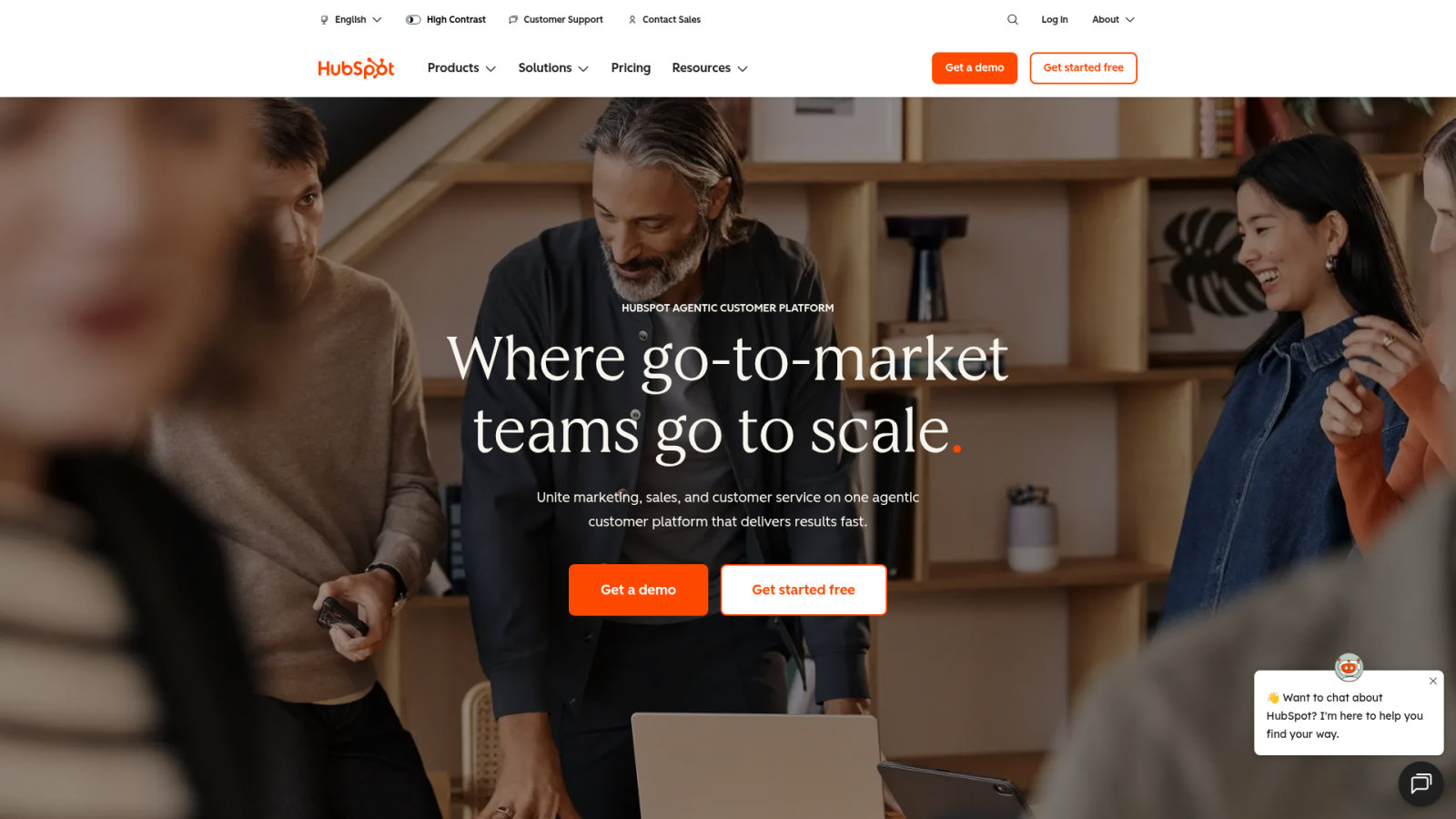
- HubSpot AI for Integrated CRM Management
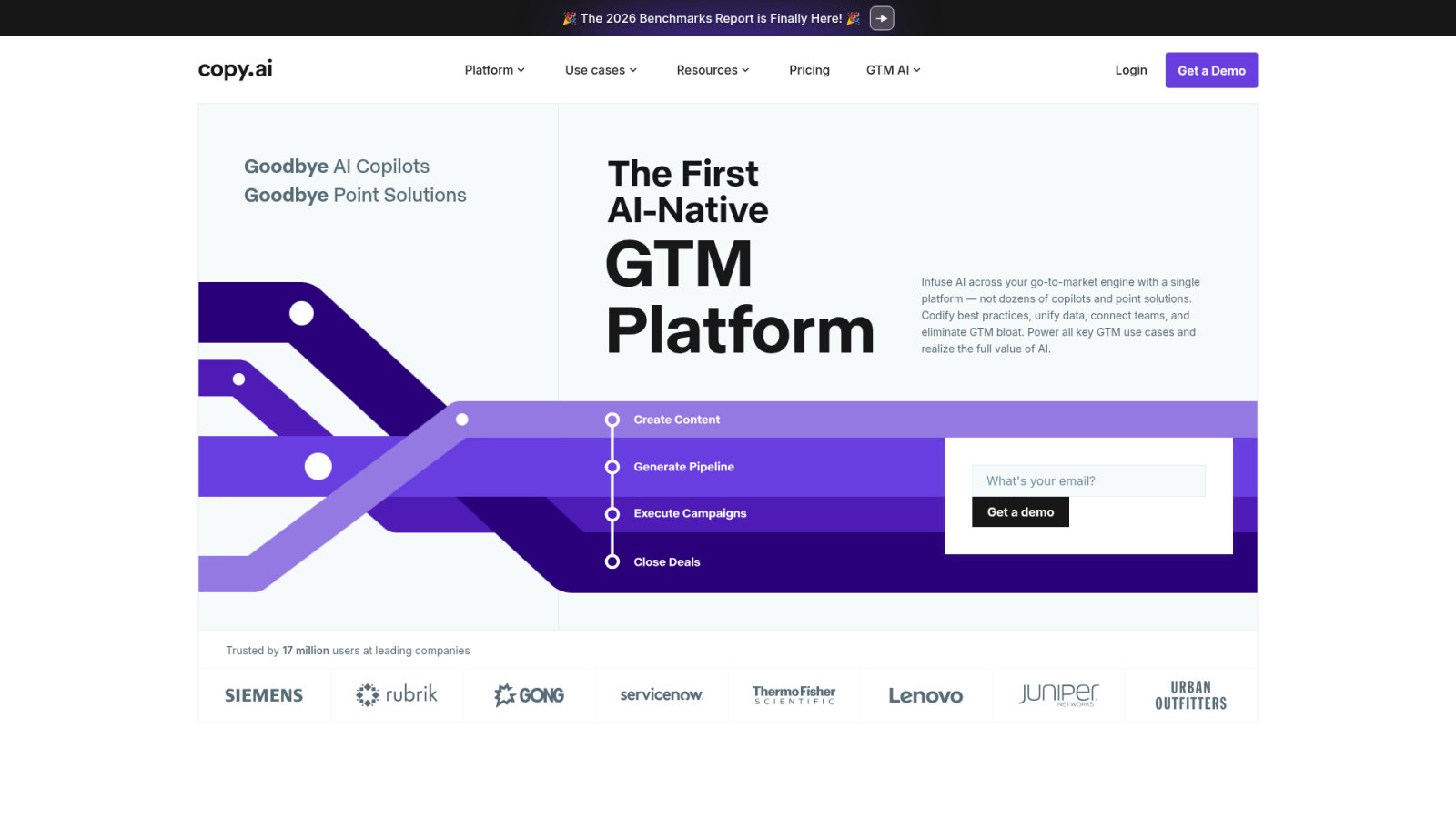
- Copy.ai for High-Velocity Content Production
- Notion AI for Centralized Knowledge Bases
- Monday.com for Intelligent Project Tracking
- Slack AI for Streamlined Team Communication
- Zapier for Cross-Platform App Orchestration
- Fireflies.ai for Automated Meeting Intelligence
- Make for Advanced Visual Workflow Building
- Security Protocols for Office AI Integration
Best AI Tools for Office Automation Selection Criteria
Zapier and Make lead the orchestration market, while Fireflies and Notion AI dominate meeting and knowledge management. Efficiency gains average 40% through no-code triggers and predictive CRM scoring, starting with a rigorous workflow audit.
The last factual info leads to the concept of auditing workflows.
Auditing Current Office Workflows
Start by listing manual tasks like data entry or email sorting. Use internal data to track time spent. Map every repetitive step clearly.
Start by tracking time spent on manual tasks like data entry or email sorting for one week to identify the highest-impact automation targets.
Categorize these tasks by complexity and frequency. High-frequency, low-skill tasks are prime automation targets. Don’t automate a broken process. Fix the logic first, then deploy the software. This saves hours immediately.
Rank candidates by impact. Focus on quick wins to prove value.
No-Code vs Developer-Led Automation
No-code tools offer visual drag-and-drop interfaces for non-technical staff. They are fast to deploy. However, they might lack deep customization for complex logic.
Developer-led solutions use custom APIs for maximum flexibility. These require maintenance and coding skills. They handle heavy data loads better than standard off-the-shelf apps.
Weigh the long-term maintenance costs against initial speed. Choose based on your team’s current technical proficiency.
Managing the Tool Graveyard
Avoid acquiring shiny features that solve no real problems. This leads to subscription bloat. Stick to tools that address specific, documented bottlenecks in your daily operations.
Implement a quarterly review of all active software. Check adoption rates among the staff. If a tool isn’t used, cut it. Consolidating redundant apps saves money and reduces data silos.
- Usage frequency below 20%
- Overlapping features with other tools
- High cost vs low output
- Lack of integration support
Keep your tech stack lean. Focus on utility over novelty always.
HubSpot AI for Integrated CRM Management
Effective workflow auditing naturally points toward the CRM, where HubSpot AI transforms raw lead data into actionable sales intelligence.
Predictive Lead Scoring
HubSpot analyzes historical data to find high-probability buyers. It looks at past interactions and demographics. This predictive modeling removes guesswork from the sales process.
Automate lead prioritization to help your team close faster. Focus energy on prospects ready to buy. Intelligent contact enrichment reduces manual typing for your reps.
Smart scoring helps identify which jobs AI could replace first by automating routine qualification. These tools ensure accuracy.
Automated Email Sequences
Generate outreach that feels personal based on user behavior. The AI tracks clicks and opens. It adjusts the next message to match the engagement level automatically.
Schedule follow-ups that adapt to specific signals. This maintains brand voice at scale. Your messaging stays consistent even when sending thousands of emails every single week.
Use these sequences to nurture cold leads. Don’t let prospects fall through the cracks of a busy schedule.
Sales Activity Reporting
Extract insights from raw customer data without manual math. The AI identifies trends in pipeline velocity. You get a clear picture of monthly revenue forecasts instantly.
Identify performance gaps in individual workflows. See which steps cause the most friction. Data-driven reports help managers coach their teams effectively.
| Metric | AI Benefit | Manual Effort |
|---|---|---|
| Lead Scoring | Predictive patterns | Subjective guessing |
| Data Entry | Automated enrichment | Repetitive typing |
| Forecasting | Instant trends | Manual math |
| Reporting | Visual dashboards | Spreadsheet creation |
Visual dashboards make data easy to digest. Decisions become faster when the numbers are clear.
Copy.ai for High-Velocity Content Production
While HubSpot handles the sales data, Copy.ai fuels the engine by generating the high-volume content needed to engage those leads.
Brand Voice Consistency
Train the AI on your specific style guides. It learns your unique tone and vocabulary. This ensures uniform messaging across every marketing channel you use.
Reduce editing cycles for all internal communications. The first draft is usually on-brand. This saves hours for marketing managers who usually spend time fixing tone errors.
Mastering better AI prompts is essential for precision. High-quality inputs yield superior brand alignment.
Bulk Marketing Copy Generation
Produce social media posts and ad variations in seconds. Scale your output without hiring more staff. This keeps your costs low while increasing your market presence.
Test multiple messaging angles to find what works. The AI generates dozens of options. You simply pick the winners based on campaign performance. This iterative process is faster than traditional brainstorming.
Speed is the main advantage here. Don’t overthink the initial generation phase.
Multi-Channel Repurposing
Turn one long article into ten short updates. Adapt the core message for LinkedIn, X, and Instagram. The AI maintains the narrative flow throughout.
Change content formats without losing the original meaning. Target different audience segments with tailored language. This maximizes the value of every piece of content you create.
“Content repurposing is no longer a luxury but a necessity for brands looking to stay relevant across fragmented digital landscapes in 2026.”
This approach is one of the best ai tools for automating repetitive office tasks in marketing. It ensures your message reaches every corner of the digital space efficiently.
Notion AI for Centralized Knowledge Bases
Producing content is only half the battle; organizing that information requires a robust system like Notion AI to manage the internal knowledge base.
Automated Document Summarization
Condense massive meeting notes into short executive summaries. Extract the key takeaways instantly. This helps busy decision-makers stay informed without reading through pages of transcripts.
Summarize research papers and internal reports in seconds. Improve information accessibility across the whole company. Notion AI highlights action items so nothing gets missed.
Efficiently managing these inputs is vital. Compare these features against the best AI note-taking apps in 2026 to see where manual effort ends.
Project Wiki Organization
Categorize documents using intelligent tagging systems. Link related tasks through semantic search. This makes finding old resources much easier for new team members during onboarding.
Semantic search in Notion AI doesn’t just look for keywords; it understands the context and meaning of your query to find related tasks and documents.
Update outdated documentation with automated suggestions. The AI flags old info. It suggests new content based on recent project updates. This keeps your wiki accurate and useful for everyone involved.
Organization is the backbone of productivity. Let the AI handle the filing.
Content Drafting Assistants
Generate initial outlines for project proposals. Refine grammar and clarity directly in the workspace. This eliminates the need to switch between different writing apps constantly.
Brainstorm creative ideas for internal campaigns. The AI acts as a collaborative partner. It pushes past writer’s block by providing fresh perspectives on old problems.
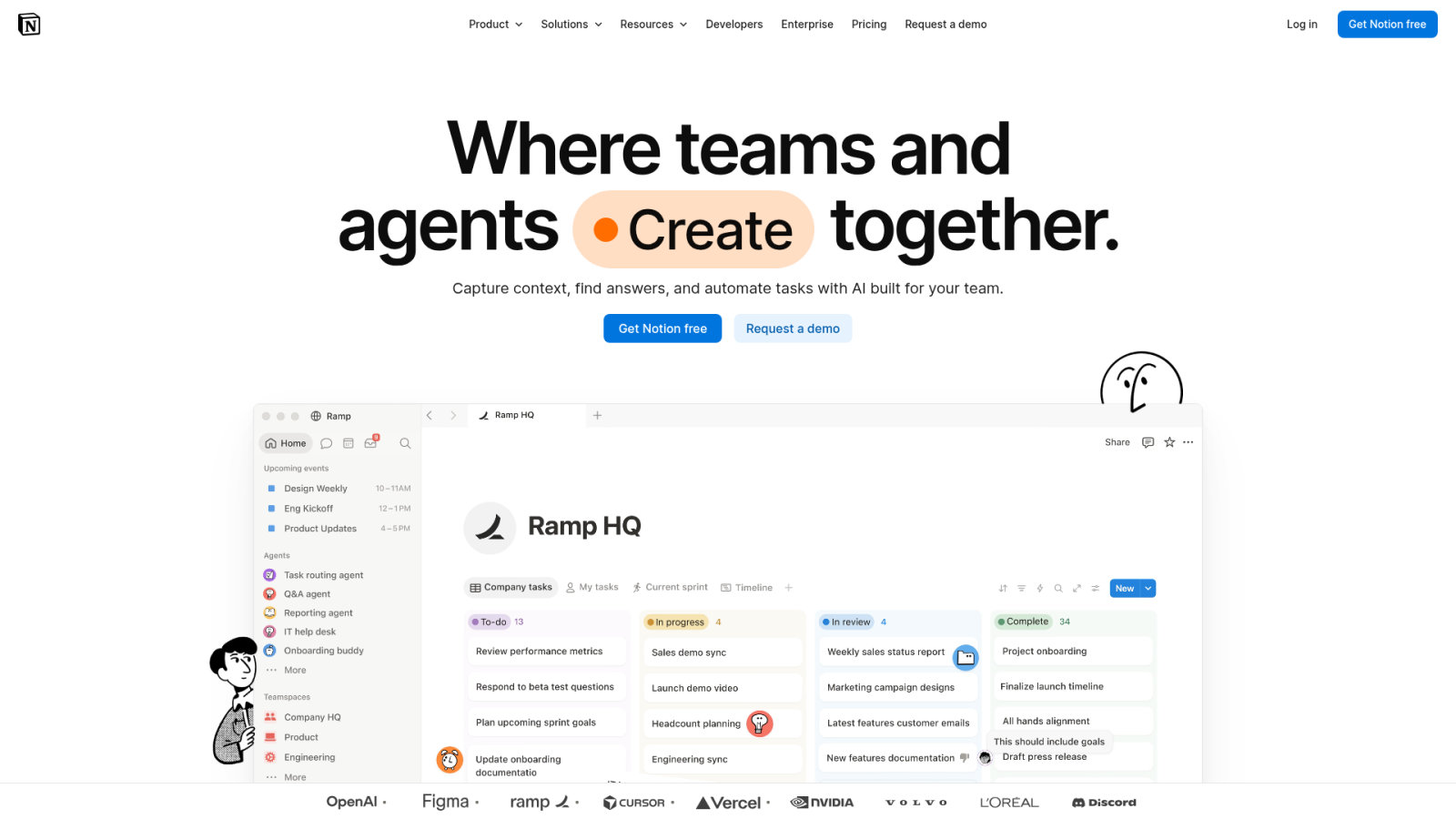
Utilizing the best AI tools for automating repetitive office tasks requires leveraging integrated writing features. Notion provides a streamlined interface for rapid content production.
- Outline generation
- Tone adjustment
- Grammar fixing
- Real-time brainstorming
Monday.com for Intelligent Project Tracking
Centralized knowledge provides the context, but Monday.com provides the structure needed to track project execution through intelligent automation.
Automated Status Updates
Trigger alerts when milestones are reached. Sync progress across multiple boards automatically. This eliminates the need for manual check-in meetings that waste everyone’s valuable time.
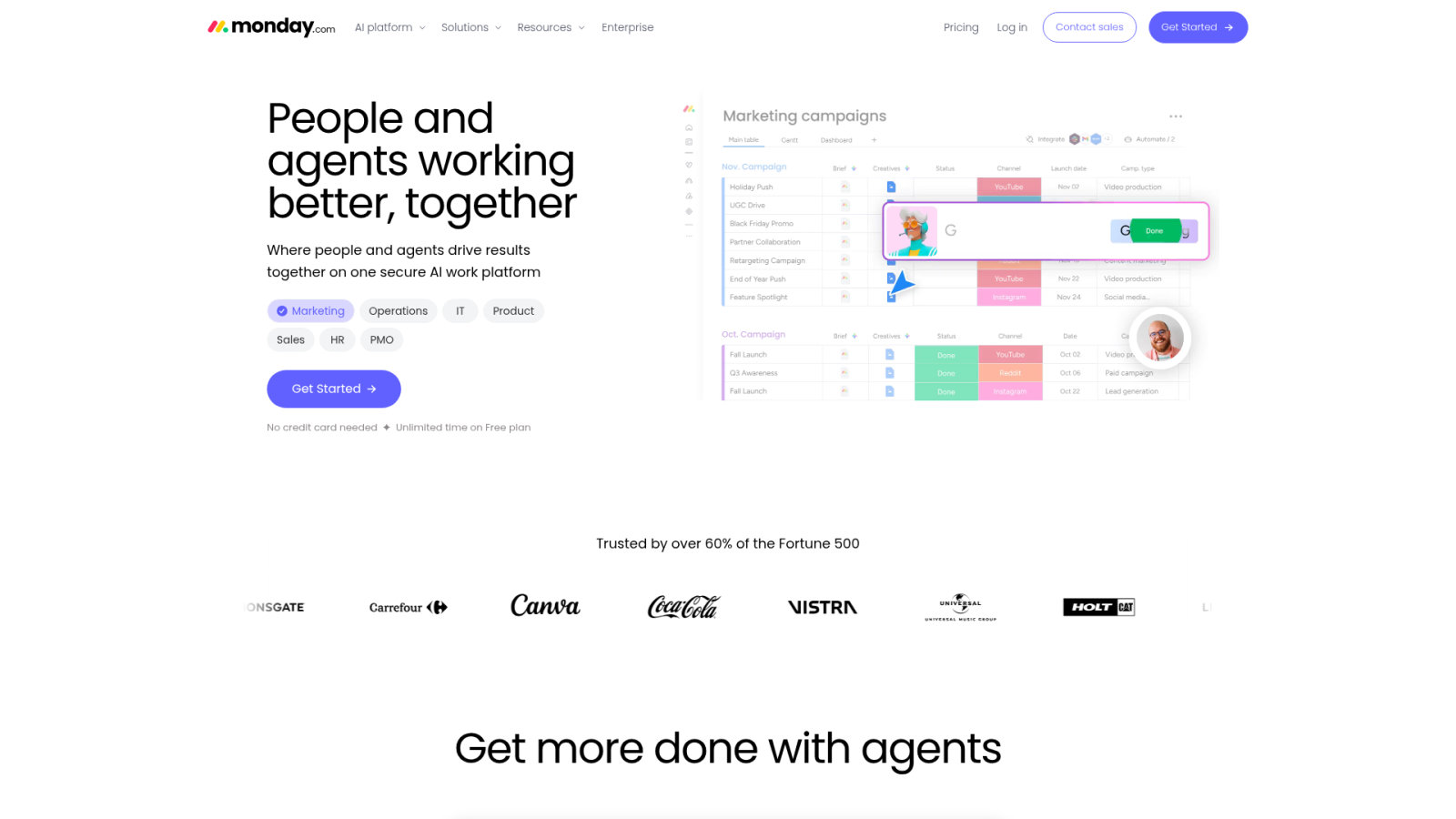
Maintain total visibility for all stakeholders. Real-time tracking keeps the team aligned. Automated notifications ensure that the next person in the workflow starts their task immediately.
Efficiency matters, yet AI promised to save hours while some setups fail. Use smart triggers to stay productive.
Resource Allocation Forecasting
Predict team bandwidth using historical data. Adjust timelines dynamically to prevent burnout. This ensures that no single employee is overwhelmed with too many tasks at once.
Optimize workload distribution across all departments. The AI suggests who is best suited for new tasks. It considers past completion speeds and current project loads. This data-driven approach improves overall efficiency.
Planning ahead is better than reacting. Use forecasts to stay ahead.
Workflow Bottleneck Detection
Flag tasks that are stuck in review for too long. Provide suggestions to improve the process. Visualize risks before they impact your final delivery dates.
Identify which steps in the workflow cause the most delays. Fix these issues to speed up production. Monday.com gives you the data to make these changes.
Identifying a bottleneck before it stops a project is the difference between a successful launch and a costly failure.
Slack AI for Streamlined Team Communication
As projects move forward, Slack AI ensures that the communication surrounding them remains concise and searchable, preventing information overload.
Channel Thread Summarization
Catch up on missed conversations quickly. The AI summarizes long threads into bullet points. You get the consensus and decision points without reading every single message.
Highlight urgent requests that need your attention now. Filter out the noise of general chat. This intelligent filtering keeps you focused on what actually matters for your role.
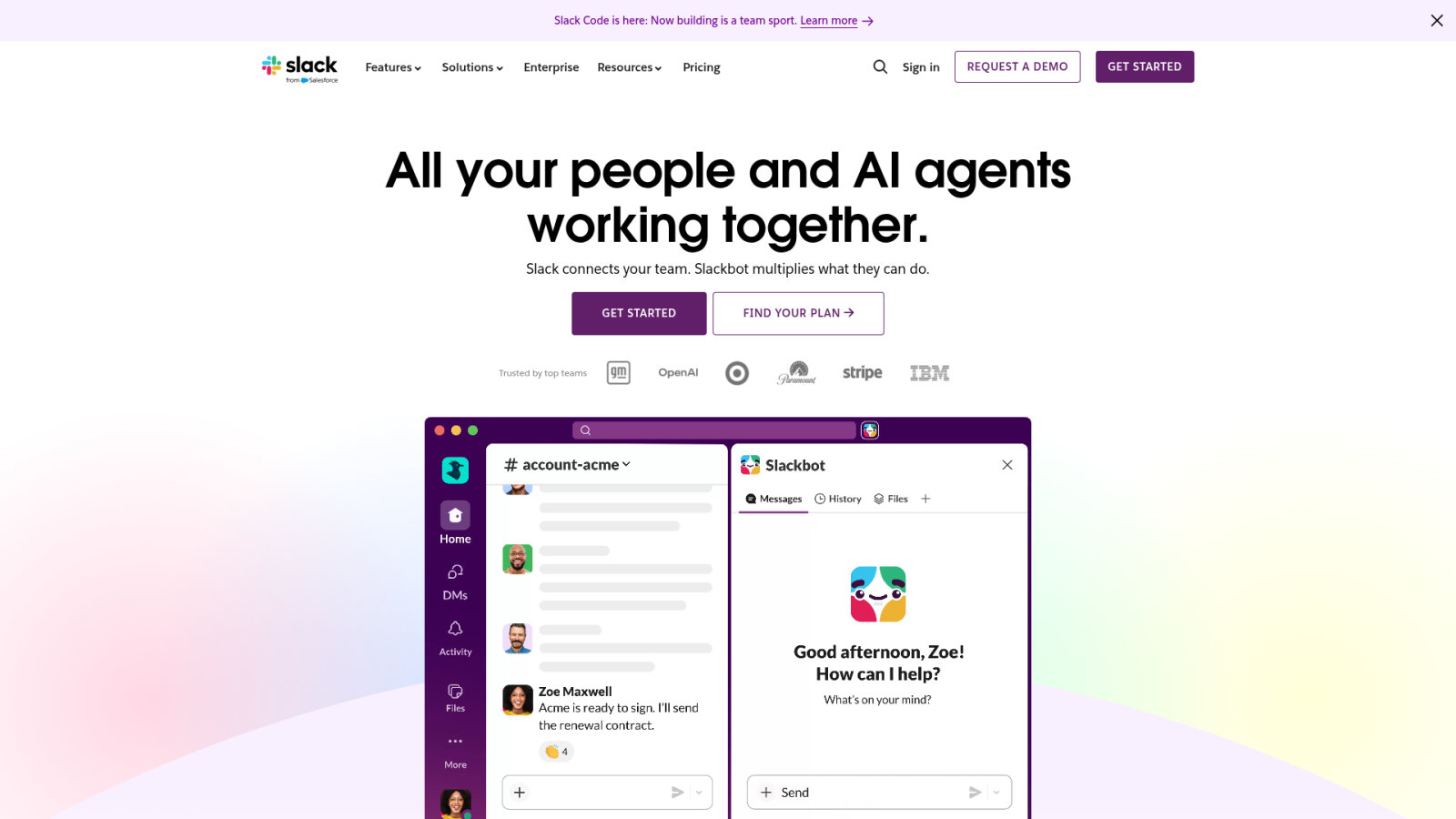
Efficiency increases when you use the best ai tools for automating repetitive office tasks. These systems eliminate manual recap efforts instantly.
Intelligent Search Capabilities
Find specific info across years of chat history. Use natural language queries to surface files. This connects expertise within your organization that was previously hidden in old channels.
Search for “that one document about the budget” and get the exact link. No more scrolling through endless history. The AI understands contextual meaning, not just keywords. This saves minutes every hour.
Information is useless if you can’t find it. Slack AI solves this.
Automated Daily Huddles
Collect status updates at scheduled times. Compile these into a unified team overview. This reduces the time spent on synchronous meetings that disrupt deep work.
Keep everyone informed without a Zoom call. The AI tracks who has responded. It summarizes the team’s progress for the manager to review in minutes.
Implementing these automated check-ins provides several operational advantages:
- Time saved on manual reporting
- Reduced meeting fatigue for staff
- Archived status history for tracking
- Clear accountability across the department
Zapier for Cross-Platform App Orchestration
Slack handles the talk, but Zapier handles the action by connecting all your separate office apps into a single, automated ecosystem.
Multi-Step Automation Logic
Connect disparate software through conditional workflows. Automate data flow between your CRM and task manager. Build complex sequences that trigger based on specific events you define.
Use logical branching to handle different scenarios. If a lead is hot, notify sales. If it’s cold, add to a nurture list. Zapier does this without manual intervention.
The best ai tools for automating repetitive office tasks often involve advanced orchestration to ensure seamless data movement across professional tech stacks.
Custom AI Agent Building
Create specialized bots for unique business processes. Integrate LLMs directly into your operational pipelines. Personalize responses using your own company-specific data for better accuracy.
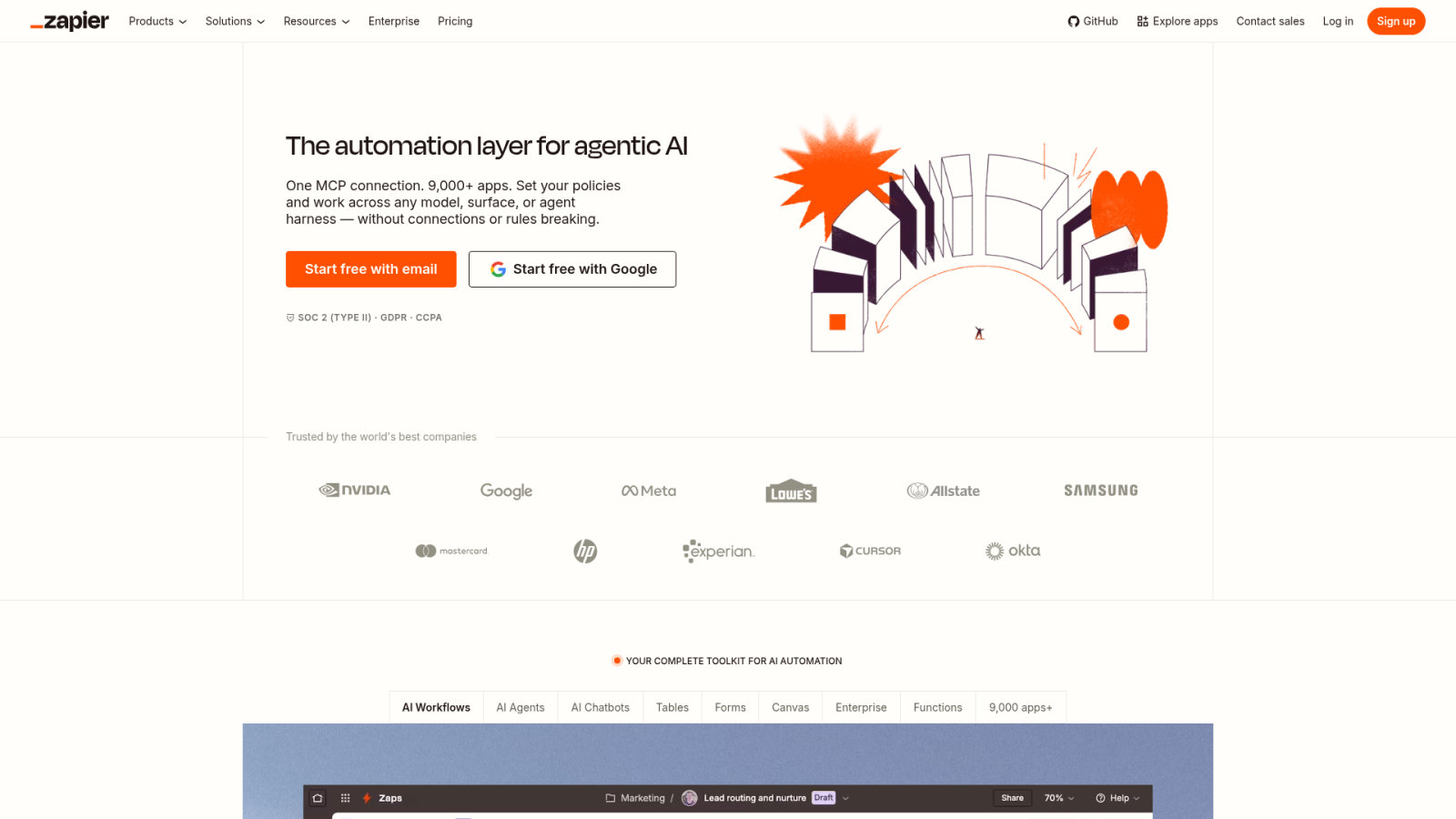
Build an agent that handles customer support tickets. It can draft replies based on your knowledge base. This reduces the load on human agents significantly. Zapier Central makes this accessible to everyone.
Agents are the future of work. Start building yours today.
Error Handling and Monitoring
Track workflow failures with instant alerts. Maintain data integrity across all connected apps. Audit your logs to ensure compliance and accuracy in every single step.
Fix broken Zaps before they cause data loss. The monitoring tools show exactly where an error occurred. This proactive maintenance keeps your office running smoothly.
“Automation is only as good as its uptime; monitoring is the silent guardian of your digital office productivity.”
Fireflies.ai for Automated Meeting Intelligence
While Zapier automates the background tasks, Fireflies.ai captures the intelligence generated during live meetings to ensure no insight is lost.
Voice-to-Text Transcription Accuracy
Capture every word during virtual meetings. The AI distinguishes between multiple speakers clearly. Search your transcripts for specific keywords to find important details later.
Stop taking manual notes and focus on the conversation. Fireflies.ai records everything with high accuracy. This creates a permanent record for every client call you take.
Meetings should lead to action. Fireflies makes sure they do. Check out the Lindy AI review for more productivity insights.
Action Item Extraction
Identify tasks and deadlines mentioned in calls. Sync these outcomes directly with Monday.com or Notion. Assign responsibilities to team members automatically based on the discussion.
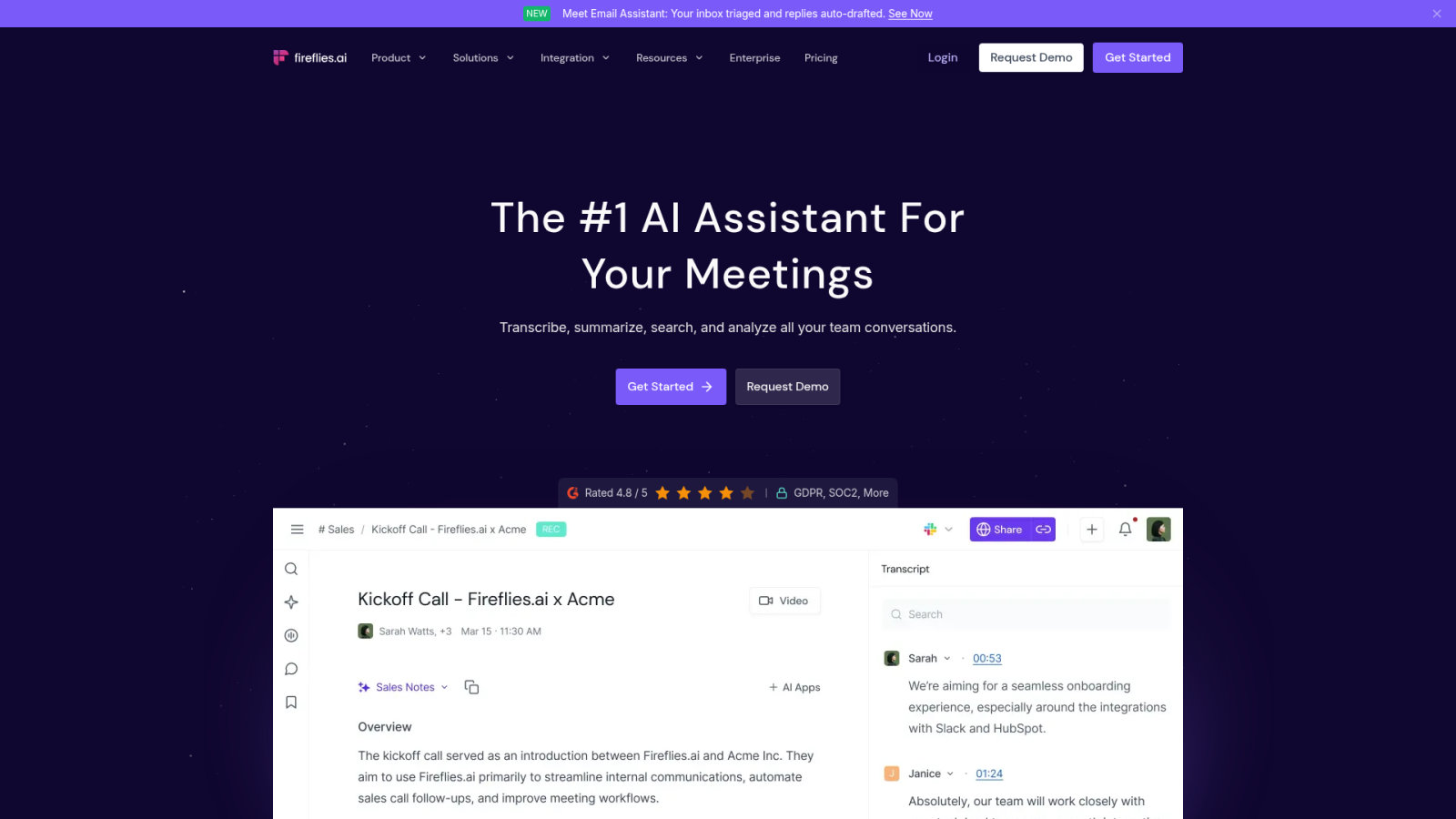
The AI flags phrases like “I will do that” or “Send the report.” It creates a checklist for you. This ensures accountability after every meeting. No more forgotten tasks or vague verbal agreements.
Meetings should lead to action. Fireflies makes sure they do.
Meeting Sentiment Analysis
Evaluate the tone of your participants. Track talk-to-listen ratios to improve your sales dynamics. Identify recurring pain points in client calls through automated analysis.
See if a client was frustrated or happy. Use this data to adjust your approach next time. Sentiment tracking provides a layer of insight humans often miss.
| Feature | Benefit | Use Case |
|---|---|---|
| Transcription | Permanent record | Client calls |
| Action Items | Accountability | Project handoffs |
| Sentiment | Dynamic insights | Sales coaching |
Make for Advanced Visual Workflow Building
Fireflies captures the words, but when those words require complex data manipulation across platforms, Make offers a more advanced visual building environment.
Complex API Integrations
Connect apps that lack native integrations using webhooks. Manipulate data formats between different platforms. Build scalable automation for enterprise-level operations that require deep technical control.
Make allows for infinite branching and loops. It is more powerful than Zapier for heavy data tasks. Use it to bridge gaps between legacy software and modern tools.
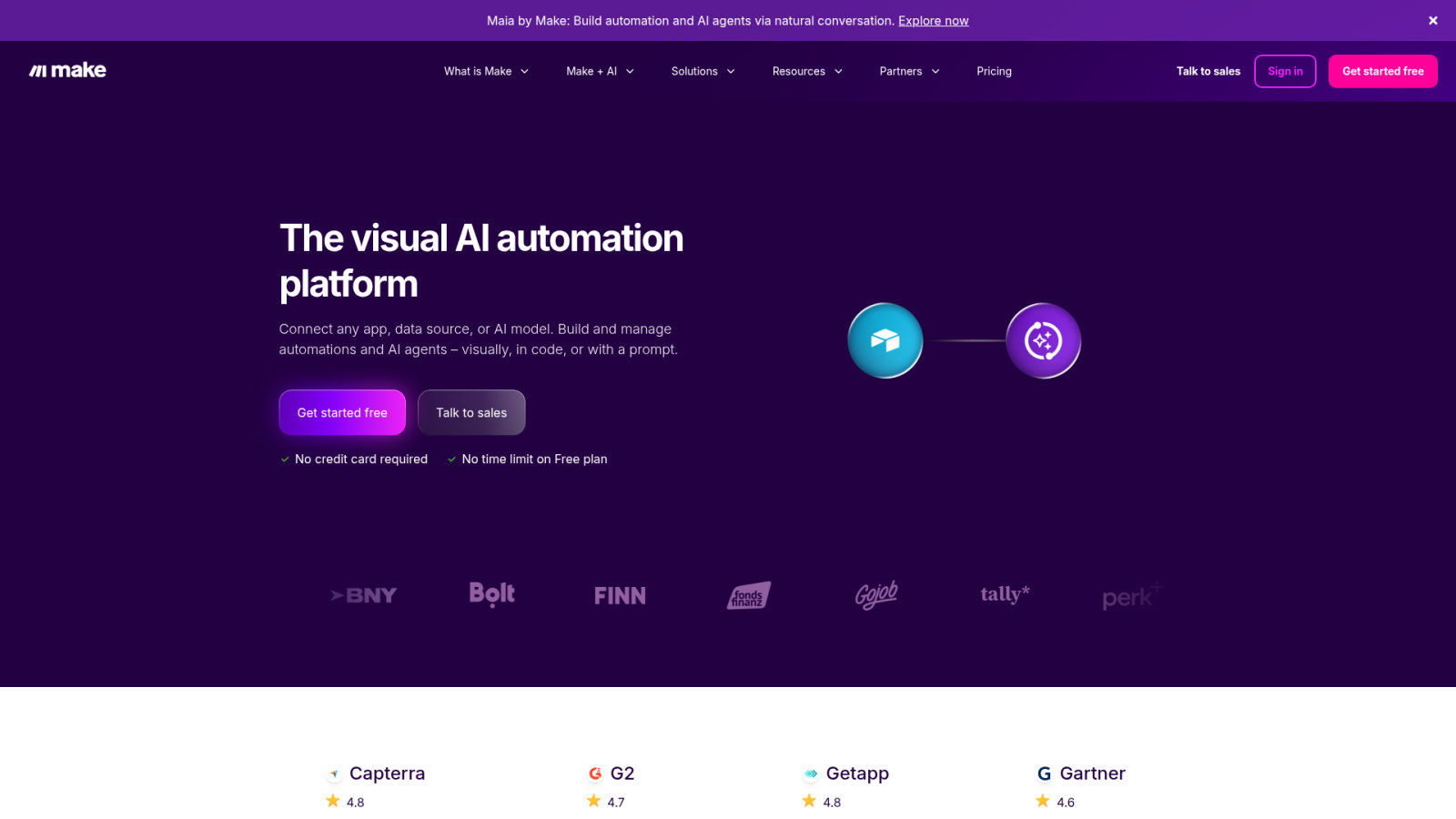
Reliable systems require the best ai tools for automating repetitive office tasks. These tools ensure seamless connectivity across diverse software environments.
Data Transformation Logic
Clean and reformat spreadsheet data automatically. Calculate values across multiple sources. Ensure consistent data structures for your reporting and analysis without doing the manual math yourself.
Convert JSON to CSV or vice versa. The AI helps map fields correctly. This is essential for moving data between incompatible systems. Make’s visual editor makes these complex transformations much easier to manage.
Data is messy. Make cleans it up for you.
Scaling Automation Infrastructure
Manage high-volume transfers without manual oversight. Version control your workflows to prevent disruptions. Monitor resource usage to optimize your automation performance over time.
Scale your operations as your business grows. Make handles thousands of operations per minute. It is the engine for a truly automated enterprise office.
Scalability in automation is not just about volume; it is about the resilience of the workflows under pressure.
Security Protocols for Office AI Integration
As we scale these powerful automations, we must implement strict security protocols to protect sensitive company data from potential AI risks.
Data Privacy Compliance
Verify tool adherence to GDPR and industry regulations. Implement strict access controls for sensitive data. Review vendor retention policies to ensure your information is not stored indefinitely.
Use encryption standards to protect data in transit. Check where the AI servers are located. Only use tools that offer enterprise-grade security features for your business.

Compliance is non-negotiable for modern firms. Understanding how robots need your body highlights the evolving relationship between human data and automated systems.
Grounding Models in Private Data
Use retrieval-augmented generation to reduce hallucinations. Limit AI access to specific internal document repositories. This ensures outputs are based on verified, factual company information only.
Don’t let the AI guess the answers. Provide it with the right context. Grounding makes the AI more reliable for customer-facing tasks. It prevents confidential leaks by siloing the data appropriately.
Trust but verify. Grounding is the first step to trust.
Risk Mitigation Strategies
Conduct regular audits of AI-generated content. Train employees on safe usage and prompt engineering. Establish fallback procedures for critical automated processes in case of failure.
Human oversight is still mandatory for high-stakes decisions. Never let the AI run entirely on autopilot. Risk management is an ongoing process, not a one-time setup.
Never allow AI to operate on full autopilot for high-stakes decisions. Always maintain human-in-the-loop protocols and verify GDPR compliance before uploading sensitive company data.
Effective defense requires a structured approach to best AI tools for automating repetitive office tasks. Follow this essential protocol:
- Security checklist: multi-factor authentication
- Data encryption
- Regular permission audits
- Employee AI training
Deploying the best ai tools for office automation like Zapier, HubSpot, and Notion AI eliminates manual bottlenecks, ensuring scalability and 40% efficiency gains. Audit your workflows now to replace legacy silos with integrated, secure ecosystems. Master these technologies today to secure a high-performance, future-ready digital workplace. The era of manual repetition is over.
FAQ
Which AI tools are best for automating repetitive office tasks?
Market leaders include Zapier and Make for workflow orchestration, while HubSpot AI dominates CRM management. For content and knowledge organization, Copy.ai and Notion AI provide essential automation for high-velocity production and document summarization.
How do I select the right AI automation software for my business?
Prioritize tools based on LLM reliability (such as GPT-4o or Claude) and integration capabilities with your existing tech stack. Key evaluation metrics include security compliance (GDPR/SOC 2), user interface intuition, and a clear ROI calculation that accounts for training costs and potential subscription bloat.
What is the difference between no-code and developer-led automation?
No-code platforms utilize visual drag-and-drop interfaces designed for non-technical staff to deploy workflows quickly. In contrast, developer-led solutions leverage custom APIs and low-code environments to handle complex logic, heavy data loads, and deep system integrations requiring ongoing technical maintenance.
How can AI improve team communication and project tracking?
Slack AI streamlines communication through automated thread summarization and intelligent search, reducing information overload. For execution, Monday.com automates status updates and resource forecasting, allowing managers to detect workflow bottlenecks before they impact delivery timelines.
Are there specific AI tools for meeting management and documentation?
Fireflies.ai is the primary solution for automated meeting intelligence, providing voice-to-text transcription and action item extraction. It integrates with project tools like Notion to ensure discussion points are converted into trackable tasks without manual note-taking.
What security protocols are necessary when integrating office AI?
Implementation requires strict data privacy compliance, including encryption standards and access controls. Organizations should utilize grounding techniques (Retrieval-Augmented Generation) to ensure the AI operates only on verified internal data, preventing confidential leaks and model hallucinations.
How do I audit office workflows to identify automation candidates?
Begin by mapping manual processes and tracking time spent via internal data. Categorize tasks by frequency and complexity; high-frequency, low-skill tasks are the prime targets. Always fix the underlying process logic before deploying automation to avoid scaling inefficient workflows.
