


Modern speech recognition technology now achieves transcription accuracy rates exceeding 95% for clear audio. This technical benchmark has transformed meeting documentation from a manual administrative burden into a streamlined digital workflow for global teams.
Professionals often struggle to maintain engagement when forced to take manual notes during high-stakes calls. This guide evaluates ai meeting minutes generator reviews to identify the most accurate tools, helping you select a solution that balances linguistic precision with robust data security and CRM integration. We analyze how different architectures, from botless recording to hardware-based solutions, impact your daily productivity.
- AI Meeting Minutes Generator Reviews: 3 Pillars of Transcription Accuracy
- Noota: CRM-Centric Transcription and ATS Integration
- HappyScribe: Multilingual Precision and EU Data Sovereignty
- Circleback AI: Automated Task Extraction and Follow-up Workflows
- Bluedot: Botless Recording for Client-Facing Privacy
- Notta: Real-time Translation for Distributed Global Teams
- Plaud Note: Hardware-Based Recording for Offline Environments
- Security Standards: 2 Pillars of Compliance and Account Context
AI Meeting Minutes Generator Reviews: 3 Pillars of Transcription Accuracy
Top AI tools like Noota and Bluedot automate transcription with 95% accuracy while syncing directly to CRMs. Success hinges on choosing between visible recording bots or discreet botless API integration for client privacy.
The choice between these two technical architectures represents the first major hurdle for professional workflows.
Bot-Based vs. Botless Meeting Access
Visible bots impose a friction tax. They often disrupt client trust. Spontaneity vanishes during sensitive sales discovery when a bot joins the call.
Botless tools offer a superior alternative. These record silently via native platform APIs. The interaction feels natural for high-stakes executive meetings.
Privacy remains paramount. Professionals must manage tools carefully, similar to how one might turn off Google AI mode to maintain control.
Transcription Accuracy and Speaker Identification
Hardware quality dictates the final output. High-end external microphones prevent muffled audio. Professional hardware ensures clear speaker diarization. Poor laptop mics ruin overlapping voice separation.
Raw transcripts require formatting. Professional documentation demands a quick cleanup. Avoid copy-pasting the initial mess.
Accuracy is not just about words; it is about capturing the intent behind the speaker’s tone and context.
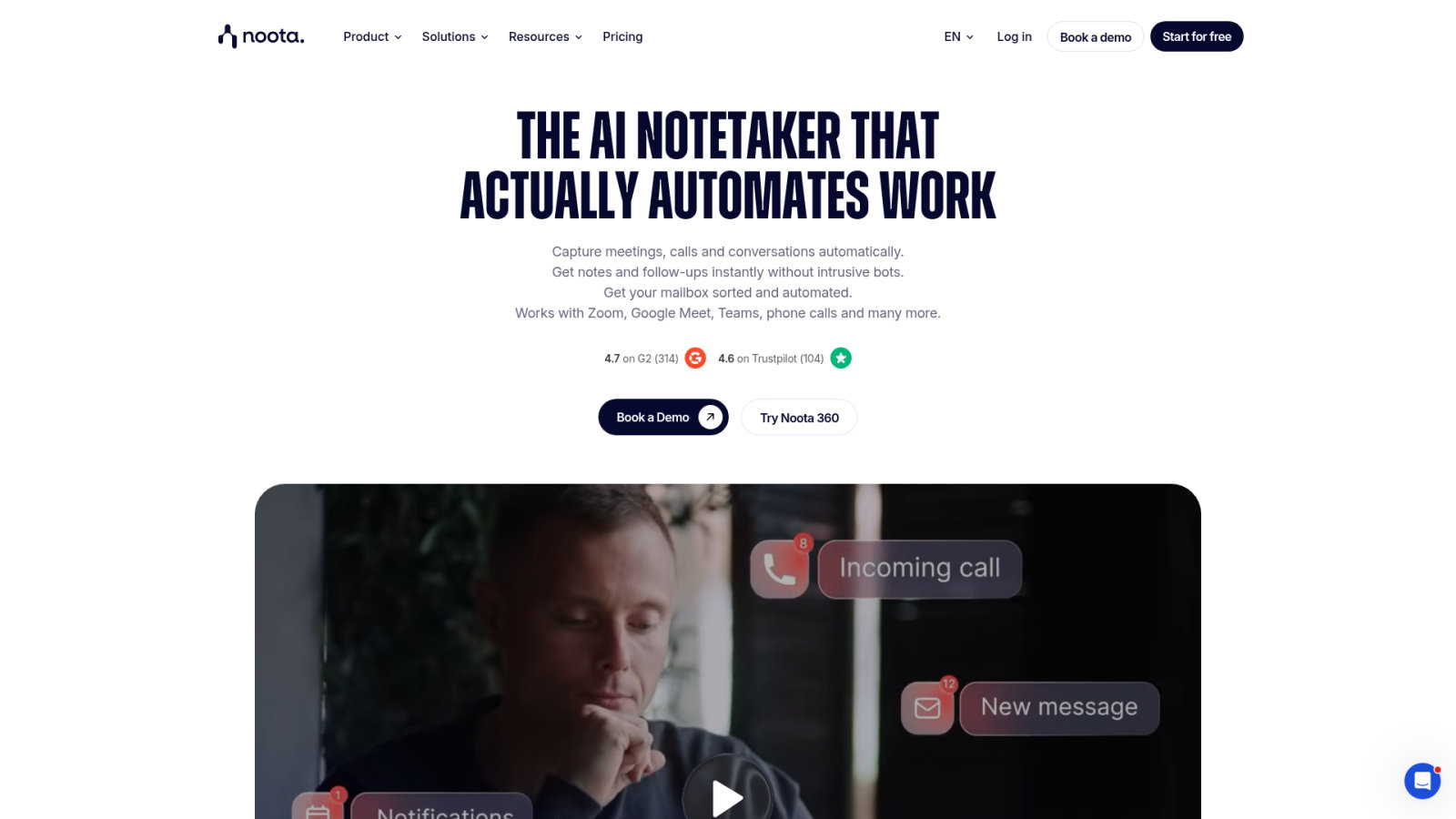
Noota: CRM-Centric Transcription and ATS Integration
Moving from general accuracy to specific tools, Noota stands out for its deep workflow integration.
Noota excels in sales and recruitment. It maps transcript data directly to CRM fields. This eliminates manual data entry after every call. It is a massive time saver.
The ATS integration helps recruiters track candidate answers. You can tag specific moments during the interview. This makes sharing feedback with hiring managers much faster. You can evaluate how this fits into a broader stack by checking our 1min.ai review for comparison.
- Salesforce sync
- HubSpot integration
- Custom tagging
- Automated follow-up emails
Focus on the ROI of automation. Every minute saved on admin is a minute spent selling.
HappyScribe: Multilingual Precision and EU Data Sovereignty
While Noota handles the CRM, HappyScribe focuses on the linguistic diversity and legal safety of European businesses.
HappyScribe offers superior support for over 60 languages. It handles accents better than most US-based competitors. This makes it ideal for global teams operating across borders.
Data sovereignty is their biggest selling point. They host data within the EU. This simplifies GDPR compliance for legal and medical firms. Privacy is non-negotiable here.
The human-in-the-loop option is unique. You can pay for a human editor to fix AI errors. This guarantees 99% accuracy for official records.
| Feature | HappyScribe | Standard AI Bot |
|---|---|---|
| Language Support | 60+ | 15+ |
| Data Hosting | EU | US |
| Human Review | Optional | None |
| Accuracy | 99% | 85% |
In the context of AI meeting minutes generator reviews : finding the most accurate tool, HappyScribe stands out for security.
Circleback AI: Automated Task Extraction and Follow-up Workflows
Beyond just recording, Circleback AI focuses on what happens after the meeting ends.
Circleback specializes in action item extraction. It identifies promises made during the conversation. It then turns these into tasks in your project management tool.
Effective AI meeting minutes generator reviews: finding the most accurate tool often highlight how refining summaries ensures precision. This tool integrates directly with Notion, HubSpot, and Slack to maintain workflow continuity.
The follow-up email generation is a standout feature. It drafts a summary personalized for each participant. You only need to hit send.
It bridges the gap between talking and doing. No more forgotten deadlines or lost action items.
Bluedot: Botless Recording for Client-Facing Privacy
If the visibility of a bot is a dealbreaker, Bluedot offers a more discreet path.
Bluedot uses a Chrome extension to record without a bot joining. This keeps the meeting interface clean. It is perfect for high-end consulting where appearances matter.
The tool focuses heavily on privacy. It doesn’t store data longer than necessary. You control exactly who sees the transcript within your organization.
The best AI is the one your client never even notices is there, working silently in the background.
It’s the ultimate choice for privacy-conscious professionals. The botless approach is the future of corporate recording.
Notta: Real-time Translation for Distributed Global Teams
For teams that speak different languages in the same room, Notta provides a real-time solution.
Notta offers live transcription and translation. Participants can follow the meeting in their native tongue via a live link. This levels the playing field for global teams.
The mobile app is surprisingly robust. It works well for in-person meetings too. Just place your phone on the table. It handles noisy environments better than most desktop apps.
High performance is critical, as excessive AI latency disrupts natural conversation flow. Notta maintains transcription speeds around 150ms.
It’s a powerhouse for distributed collaboration. Translation happens almost instantly, keeping everyone in sync.
Plaud Note: Hardware-Based Recording for Offline Environments
Sometimes, software isn’t enough, especially when meeting away from a computer.
Plaud Note is a physical device that snaps onto your phone. It records cellular calls and in-person meetings with a toggle switch. It bypasses the need for complex software setups.
The hardware uses bone conduction to capture clear audio. It then syncs with an app for AI summarization. It’s the best tool for journalists or roaming managers.
- 30-hour battery life
- 64GB storage
- One-press recording
- ChatGPT-4o integration
It solves the “offline gap.” You get high-quality digital notes from analog conversations instantly.
Security Standards: 2 Pillars of Compliance and Account Context
No matter which tool you choose, security and long-term utility must remain your top priorities.
Data Handling and Compliance Standards
SOC 2 and GDPR represent the baseline for any professional tool. HIPAA remains mandatory for medical applications. Verify these specific certifications before uploading sensitive client data to any cloud environment.
Shadow IT poses a major risk. Employees frequently utilize unauthorized free tools. This practice creates massive security holes for the company. Centralized management is essential.
Risk of employees using unauthorized free tools creating security holes; importance of centralized management for data safety.
Proper oversight includes managing third-party data security. Secure protocols protect assets.
Ambient Memory and Account Context Tracking
AI is moving toward ambient memory. It doesn’t just record one meeting. It connects dots across months of conversations. This builds a deep context for every client account. It is like having a perfect memory.

Synthesizing data helps project tracking. You can see how requirements evolved over time. Precise records eliminate ambiguity.
This long-term intelligence is the real value. Transcription is just the beginning of the journey.
Choosing the right tool requires balancing botless privacy, multilingual precision, and CRM integration. Prioritize SOC 2 compliance to secure sensitive data while leveraging ambient memory for long-term account intelligence. Implement these ai meeting minutes generator reviews insights now to transform passive recordings into immediate, high-value corporate assets. Precision today ensures absolute clarity tomorrow.
FAQ
How does bot-based transcription compare to botless meeting access?
Bot-based systems join meetings as visible participants to capture audio directly from the platform. This approach ensures explicit transparency and often facilitates easier speaker identification for compliance purposes. However, these “bots” can sometimes be blocked by meeting hosts or corporate IT policies, creating friction during sensitive calls.
In contrast, botless tools like Bluedot capture audio via browser extensions or system output without appearing in the participant list. This method offers higher discretion for high-stakes executive meetings or private one-on-ones. While less intrusive, botless solutions require internal transparency to maintain ethical standards and participant consent.
Which AI generator provides the highest transcription accuracy?
Accuracy is primarily measured by the Word Error Rate (WER). Tools like HappyScribe and Noota deliver precision levels exceeding 95% by utilizing advanced speech recognition technology. High-end tools effectively manage varied accents and technical terminology, though hardware quality remains a critical factor in final output quality.
To maximize accuracy, professionals should use directional USB microphones and minimize ambient noise. For mission-critical legal or medical documentation, hybrid models, combining AI speed with human-in-the-loop verification, guarantee up to 99% precision, correcting nuances that automated systems might miss.
How do Noota and HappyScribe differ in terms of CRM and ATS integration?
Noota is specifically engineered for sales and recruitment workflows. It maps transcript data directly to CRM and ATS fields, eliminating manual data entry. While powerful for these niches, some users find its interface complex and its pricing plans restrictive regarding API access and Zapier integrations.
HappyScribe serves as a versatile alternative, focusing on linguistic diversity with support for over 150 languages. While it does not target recruiters exclusively, it provides robust integration capabilities via Zapier and API. It is often preferred for global teams due to its superior multilingual handling and strict EU data sovereignty compliance.
What are the best alternatives to Noota for specific business needs?
The optimal alternative depends on the primary use case. For recruitment-heavy workflows requiring skill-based structured notes, Metaview or BrightHire are leading choices. Sales teams prioritizing European data hosting and VoIP integration may find Leexi more suitable for their operational requirements.
For general professional utility, HappyScribe remains the most reliable all-rounder. It balances high precision, affordable pricing, and ease of use. It is particularly effective for teams managing diverse meeting types who require a secure, GDPR-compliant solution without the specialized complexity of Noota.
Can AI meeting minutes generators work in offline or in-person environments?
Yes, hardware-based solutions like Plaud Note bridge the gap for offline scenarios. These physical devices record cellular calls and in-person conversations directly, bypassing the need for browser-based software. The audio then syncs with mobile applications for AI-driven summarization and task extraction.
Mobile applications from providers like Notta also support in-person recording by utilizing the smartphone’s microphone. These tools are designed to handle noisy environments better than desktop counterparts, making them ideal for journalists or managers operating outside traditional office settings.
What security standards should be verified before choosing a tool?
Professional-grade tools must adhere to SOC 2 Type II and GDPR standards as a baseline. For medical applications, HIPAA compliance is mandatory. These certifications ensure that sensitive client data is encrypted and managed through strict access controls, mitigating the risks associated with unauthorized “Shadow IT” usage.
Data residency is another critical pillar. Solutions like HappyScribe host data within the EU to simplify legal compliance for European firms. Organizations should also verify whether the provider uses customer data to train their AI models, as private API keys and local processing options offer higher levels of data privacy.
