Integrating ai coding assistants into enterprise CI/CD workflows

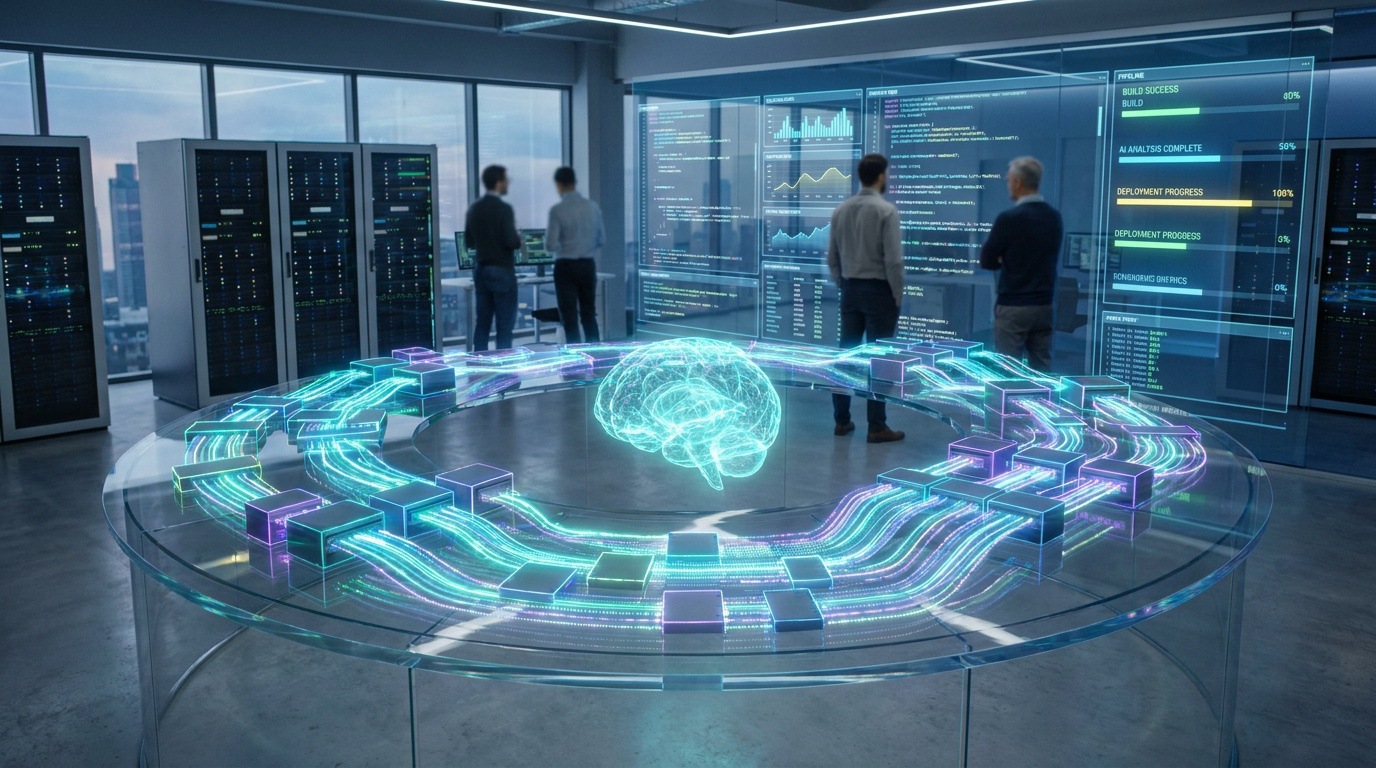
Engineers in a server room looking at a glowing holographic brain and data visualizations representing automated coding.
Transforming enterprise workflows: How AI coding assistants are revolutionizing CI/CD pipelines for faster, smarter deployment.
Key takeaway: Effective AI integration in GitHub Actions and GitLab CI requires YAML-defined quality gates and semantic chunking to manage large codebases. By automating line-level feedback and enforcing mandatory status checks, organizations eliminate code review bottlenecks and ensure architectural consistency. This approach reportedly handles over 400,000 files using semantic dependency graphs to maintain high-precision analysis across complex enterprise monorepos.

Enterprise software development faces a critical bottleneck where code generation speed exceeds human review capacity. Integrating AI coding assistants into enterprise CI/CD pipelines automates analysis and enforces consistent quality standards across complex monorepos. Manual verification of mechanical flaws often delays production cycles and introduces architectural inconsistencies.

This guide examines how to integrate ai coding assistants into enterprise CI/CD pipelines to optimize review workflows. We evaluate specific configuration patterns for GitHub Actions and GitLab CI to ensure scalable, secure deployment.

  1. Effective AI Integration Patterns for GitHub Actions and GitLab CI
  2. Automated Review Workflows and Quality Gate Enforcement
  3. Context-Aware Analysis and Multi-Pass Review Patterns
  4. Pipeline Performance and Human-in-the-Loop Triage

Effective AI Integration Patterns for GitHub Actions and GitLab CI

Enterprise AI integration requires YAML-defined triggers, Infrastructure as Code for environment parity, and secure API secret management. These configurations ensure consistent model parameters across GitHub Actions and GitLab CI workflows.

The focus on configuration leads directly into the specific triggers and variables needed for GitHub and GitLab environments.

Configuration patterns for GitHub Actions and GitLab CI

Define automated triggers for pull_request events in GitHub. Configure GitLab CI for merge_request events. This ensures immediate feedback cycles during the development process.

Use Terraform or Pulumi to provision runner environments. This approach guarantees compute resources for AI processing. It also maintains environment consistency across the whole development lifecycle.

Define environment variables for API keys and model temperature. Store these in secure vault systems. Never hardcode credentials in your pipeline YAML files.

Security Alert

Never hardcode credentials in pipeline YAML; use secure vault systems or environment secrets (GitHub Secrets/GitLab CI Variables).

File filtering strategies to reduce pipeline noise

Implement strict file filtering rules. Exclude documentation and markdown files from AI review. This prevents wasting tokens on non-functional changes.

Ignore generated code or vendor directories. These files often trigger false positives and increase processing costs significantly.

Focus AI attention on high-impact source directories. Prioritize business logic and security-sensitive modules. This keeps the feedback relevant for developers.

  • Files to ignore: .md.txt, /vendor, /dist, /node_modules, and auto-generated protobuf files


Automated Review Workflows and Quality Gate Enforcement

While setting up the infrastructure is the first step, the real value lies in how the AI interacts with the code during the validation phase.

Pull request analysis for real-time inline feedback

Configure the AI to post comments directly on specific lines of code. This provides developers with immediate context. It makes the review process feel like a pair-programming session.

Use existing automated testing frameworks as a safety net. The AI should complement unit tests, not replace them. It identifies logic flaws that static tests might miss.

Automated Review Workflows and Quality Gate Enforcement

Integrate security scanning to detect OWASP Top 10 risks. The AI spots injection vulnerabilities or broken access controls. Reviewing AI code review gaps helps teams maintain robust security standards.

Security Focus

Prioritize scanning for OWASP Top 10 risks, specifically targeting injection vulnerabilities and broken access controls within the automated pipeline.

Mandatory status checks to block defective merges

Align AI review cycles with trunk-based development. Small, frequent commits are easier for the AI to analyze. This approach minimizes complex merge conflicts later in the cycle.

Set up mandatory status checks in your repository settings. Block merges if the AI detects high-severity issues. This enforces a strict quality gate, ensuring only clean code reaches the main branch.

Define clear severity thresholds for failures. Not every suggestion should stop the pipeline. Use categories like “Critical” for security and “Nitpick” for style.

Advantages
  • Early detection of drift.
  • Uniform coding standards.
Limitations
  • False positives risk.
  • API latency issues.

Context-Aware Analysis and Multi-Pass Review Patterns

Beyond simple line-by-line checks, advanced integration requires the AI to understand the broader architectural context of the application.

Semantic chunking via AST parsing for large files

Implement Abstract Syntax Tree (AST) parsing for semantic chunking. This breaks large files into logical blocks like functions or classes. It is more effective than simple character limits.

Maintain accuracy within model token limits. Large codebases often exceed the context window of modern LLMs. Strategic chunking allows the AI to process relevant segments. This preserves the semantic meaning of the code.

Use multi-pass review patterns for complex logic. The first pass identifies the structure. The second pass analyzes the data flow. This captures intricate bugs across the file.

Architectural impact mapping using dependency graphs

Build dependency graphs to track cross-file impacts. A change in one module might break another. The AI needs this graph to provide accurate architectural feedback.

Analyze service maps to identify breaking changes in microservices. AI can detect if an API contract change affects downstream consumers. This is vital for distributed systems. It prevents cascading failures in production.

Evaluate how local modifications affect the whole system. Integrating ai coding assistants into enterprise CI/CD workflows demands high-level visibility to avoid regression. The following table compares analysis depths.

Analysis Level Tooling Used Primary Goal Complexity
Line-level Linters Syntax & Style Low
File-level LLMs Local Logic Medium
Module-level AST Parsing Data Flow High
System-wide Dependency Graphs Architecture Very High

Pipeline Performance and Human-in-the-Loop Triage

Even the smartest AI is useless if it slows down the development team or produces too much noise.

Asynchronous processing to handle API rate limits

Deploy exponential backoff retry logic. This manages API rate limits during peak usage. It prevents the pipeline from failing due to external service throttling.

Configuration Tip

Use fetch-depth: 0 in GitHub Actions to ensure the AI has access to the full repository history for better context.

Use asynchronous processing for heavy analysis tasks. Don’t let the CI runner wait idly for a response. Trigger the AI job and let the runner continue other tasks. This maximizes resource efficiency.

Track latency metrics for AI reviews. If the feedback takes too long, developers will bypass the system. Monitor these loops to ensure they remain fast and helpful.

Two-tier review systems for false positive triage

Establish a two-tier review system. The AI provides the first layer of screening. A senior developer then triages the findings. This ensures only valid issues are addressed.

Calibrate sensitivity settings to reduce noise. High sensitivity leads to excessive false positives. Adjust the model prompts to be more conservative. This builds trust with the engineering team over time.

The goal of AI integration isn’t to replace the human eye, but to augment it by filtering out the obvious so we can focus on the complex.

Monitor F-score and noise reduction. These metrics prove the tool’s value to the organization.

Effective integration requires YAML-defined triggers, AST-based semantic chunking, and mandatory status checks to enforce quality gates. Properly configuring how to integrate ai coding assistants into enterprise CI/CD pipelines accelerates review cycles while maintaining architectural integrity. Secure your development future by automating mechanical checks today. High-velocity delivery starts with AI-augmented precision.

FAQ

How can AI coding assistants be integrated into GitHub Actions and GitLab CI workflows?

Integration involves defining YAML-based triggers to automate code analysis during pull_request events in GitHub or merge_request events in GitLab. For GitHub, utilizing fetch-depth: 0 ensures the AI accesses the full repository history, while GitLab pipelines leverage predefined variables and the Notes API for automated commenting.

This setup accelerates development cycles by converting complex workflow formats and identifying manual migration points. Key challenges include maintaining API rate limits and ensuring human oversight to validate AI-generated configurations, which may occasionally produce plausible but non-functional YAML code.

What strategies reduce noise in AI-driven code reviews?

Efficiency is achieved through strict file filtering and the deployment of specialized agents. Pipelines should be configured to exclude lock files, vendored dependencies, and documentation (e.g..md.txt) to focus tokens on high-impact business logic. Implementing a coordinator agent allows for the deduplication of findings and the consolidation of feedback into a single, actionable report.

Risk-based classification further optimizes performance by adjusting review depth based on change complexity. Trivial modifications trigger “lite” scans, while sensitive modules undergo “full” architectural analysis, ensuring developers are not overwhelmed by low-severity suggestions or speculative warnings.

How does semantic chunking via AST parsing improve large codebase analysis?

Semantic chunking utilizes Abstract Syntax Tree (AST) parsing to divide code into logical blocks, such as functions or classes, rather than arbitrary character counts. This method preserves the structural integrity of the code, allowing Large Language Models (LLMs) to maintain context within defined token limits.

By mapping dependencies and data flows across the entire repository, the AI identifies cross-file impacts that traditional line-by-line analysis misses. This approach is vital for monorepos, where understanding the relationship between disparate modules prevents cascading failures during integration.

What is a two-tier review system for managing AI false positives?

A two-tier system utilizes AI as the initial screening layer to filter out mechanical errors and common vulnerabilities. The second tier involves human triage, where senior developers evaluate the AI’s findings against broader architectural goals. This structure ensures that only true positives reach the final remediation stage.

Calibrating sensitivity settings is essential to build engineering trust. By requiring “evidence gates”, where the AI must cite specific code lines to justify a suggestion, organizations reduce speculative noise and focus human expertise on complex logic that AI cannot yet fully comprehend.

How should API rate limits and pipeline performance be managed?

Reliability requires asynchronous processing and exponential backoff retry logic to handle external service throttling. By decoupling the AI analysis from the primary CI runner, teams prevent pipeline blockages during peak usage periods. Monitoring latency metrics ensures the integration remains a velocity enabler rather than a bottleneck.

Advanced patterns like Traffic Light Throttling monitor remaining quotas in real-time, pausing non-critical agents when limits are approached. This proactive resource management maintains stability across multi-node enterprise environments using distributed state stores like Redis.

Can AI reviews be enforced as mandatory quality gates?

Yes, AI analysis can be configured as a required status check to block defective merges. By setting clear severity thresholds, teams ensure that code containing critical security risks or breaking changes cannot reach the main branch. This enforces uniform coding standards across the entire organization.

Integrating these checks with platforms like SonarQube provides a multi-layered defense, combining static metrics with agentic AI insights. This creates a robust “AI Code Assurance” workflow that balances rapid deployment with strict adherence to reliability and security protocols.

alex morgan
I write about artificial intelligence as it shows up in real life — not in demos or press releases. I focus on how AI changes work, habits, and decision-making once it’s actually used inside tools, teams, and everyday workflows. Most of my reporting looks at second-order effects: what people stop doing, what gets automated quietly, and how responsibility shifts when software starts making decisions for us.
