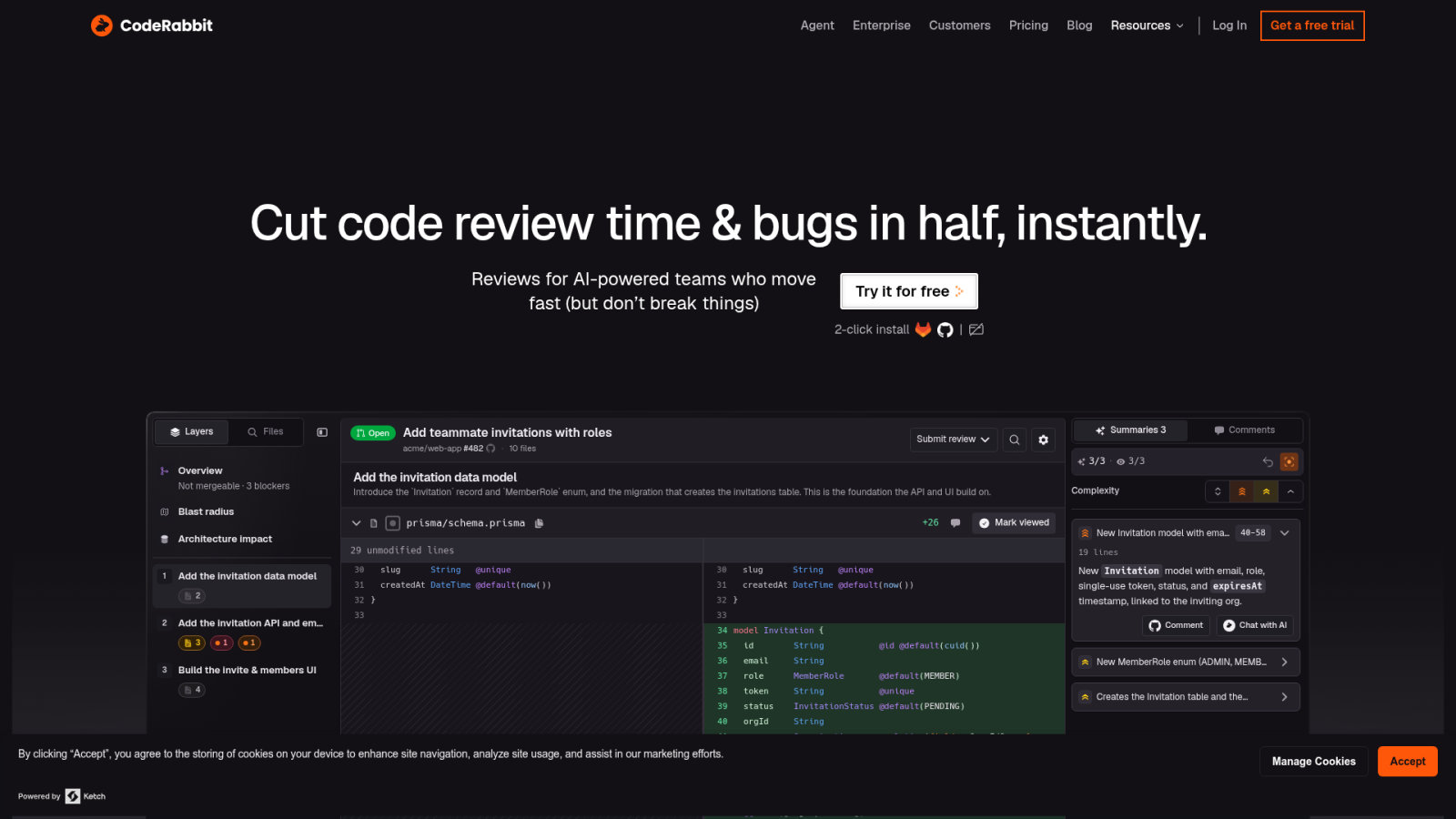
Enterprise software development faces a critical bottleneck where code generation speed exceeds human review capacity. Integrating AI coding assistants into enterprise CI/CD pipelines automates analysis and enforces consistent quality standards across complex monorepos. Manual verification of mechanical flaws often delays production cycles and introduces architectural inconsistencies.
This guide examines how to integrate ai coding assistants into enterprise CI/CD pipelines to optimize review workflows. We evaluate specific configuration patterns for GitHub Actions and GitLab CI to ensure scalable, secure deployment.
- Effective AI Integration Patterns for GitHub Actions and GitLab CI
- Automated Review Workflows and Quality Gate Enforcement
- Context-Aware Analysis and Multi-Pass Review Patterns
- Pipeline Performance and Human-in-the-Loop Triage
Effective AI Integration Patterns for GitHub Actions and GitLab CI
Enterprise AI integration requires YAML-defined triggers, Infrastructure as Code for environment parity, and secure API secret management. These configurations ensure consistent model parameters across GitHub Actions and GitLab CI workflows.
The focus on configuration leads directly into the specific triggers and variables needed for GitHub and GitLab environments.
Configuration patterns for GitHub Actions and GitLab CI
Define automated triggers for pull_request events in GitHub. Configure GitLab CI for merge_request events. This ensures immediate feedback cycles during the development process.
Use Terraform or Pulumi to provision runner environments. This approach guarantees compute resources for AI processing. It also maintains environment consistency across the whole development lifecycle.
Define environment variables for API keys and model temperature. Store these in secure vault systems. Never hardcode credentials in your pipeline YAML files.
Never hardcode credentials in pipeline YAML; use secure vault systems or environment secrets (GitHub Secrets/GitLab CI Variables).
File filtering strategies to reduce pipeline noise
Implement strict file filtering rules. Exclude documentation and markdown files from AI review. This prevents wasting tokens on non-functional changes.
Ignore generated code or vendor directories. These files often trigger false positives and increase processing costs significantly.
Focus AI attention on high-impact source directories. Prioritize business logic and security-sensitive modules. This keeps the feedback relevant for developers.
- Files to ignore: .md.txt, /vendor, /dist, /node_modules, and auto-generated protobuf files