

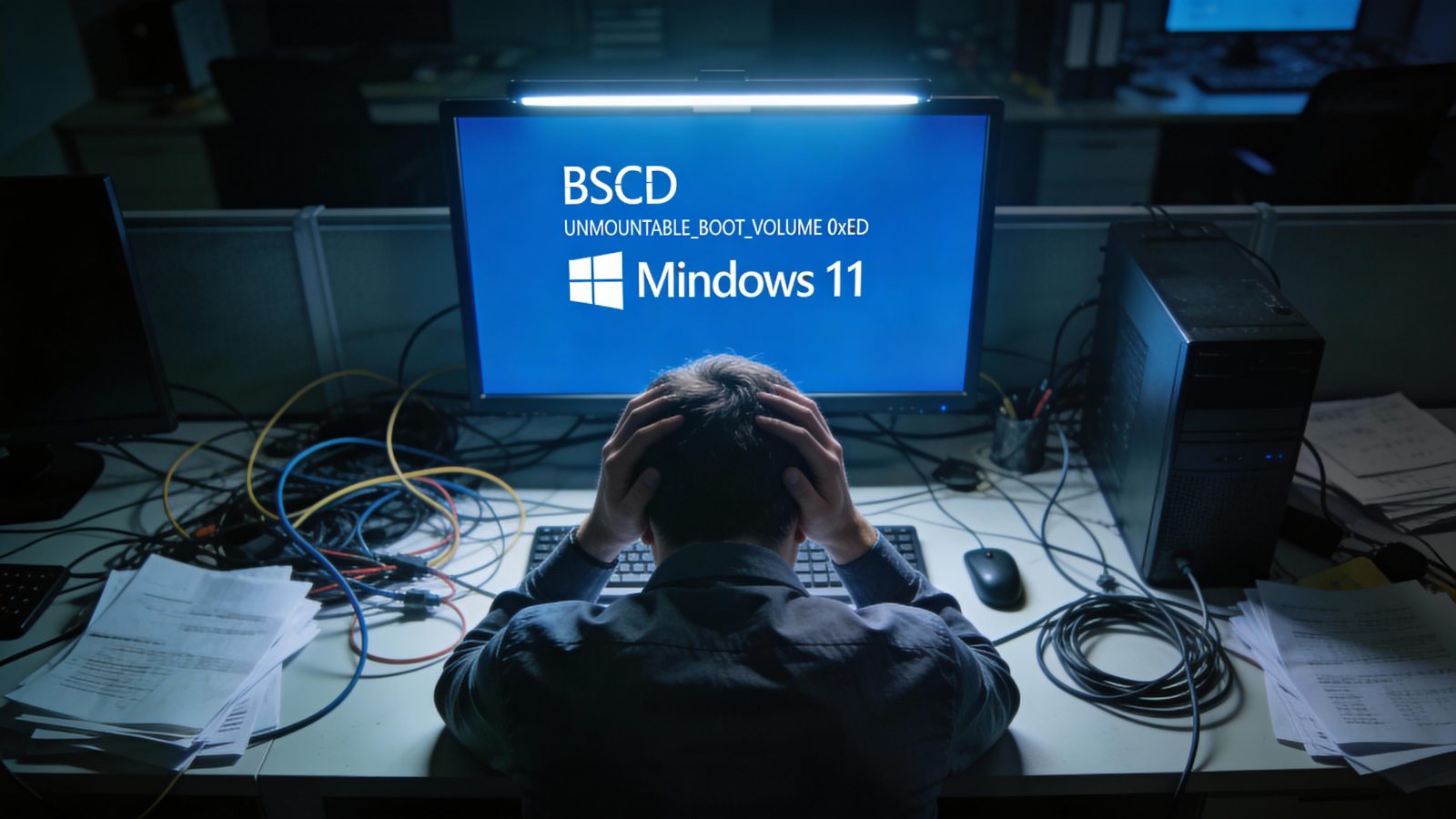
On January 13, 2026, Microsoft’s Patch Tuesday release KB5074109 was supposed to secure Windows 11 against critical vulnerabilities. Instead, it triggered boot failures on commercial PCs, crashed Remote Desktop sessions, and froze Outlook so badly that Microsoft had to deploy an emergency out-of-band fix just 11 days later.
The update targets Windows 11 25H2 (Build 26200.7623) and 24H2 (Build 26100.7623), but what Microsoft calls a “limited number of reports” has left IT admins and users scrambling with zero concrete data on how many systems actually broke.
I’ve deployed Windows updates across enterprise environments for years, and this pattern is familiar: vague acknowledgments, no impact metrics, and users left to piece together workarounds from forum threads.
KB5074109 isn’t just another buggy patch—it’s a case study in how Microsoft’s rush to patch vulnerabilities can sacrifice deployment stability, leaving commercial users to clean up the mess while the company stays silent on the actual scale of damage.
What Actually Broke in the January 2026 Windows 11 Update?
KB5074109 was meant to deliver security fixes and non-security improvements like Secure Boot enhancements. Instead, it introduced a UNMOUNTABLE_BOOT_VOLUME (0xED) blue screen of death that hit commercial PCs in what Microsoft describes as an “improper state” from failed December 2025 update rollbacks.
The company explicitly states this affects physical commercial machines only—not consumer devices, not virtual machines—but offers zero specifics on which hardware configurations are vulnerable.
The boot failure wasn’t the only problem. Users running the Windows App for Remote Desktop and cloud communications infrastructure hit credential failures that required a separate out-of-band fix, KB5077744. Outlook Classic users saw their email clients freeze when accessing POP accounts or PST files, forcing Microsoft to rush out KB5078127 on January 24 to address what they termed “unresponsiveness in certain applications.”
File Explorer customization broke entirely for some users, and older hardware with Secure Launch enabled couldn’t shut down or sleep properly without using the command shutdown /s /t 0 as a workaround.
Microsoft’s mitigation strategy amounts to excluding consumer devices from the BSOD issue and telling commercial users the problem is “under investigation.” No timeline. No root cause analysis.
No data on how many PCs are actually affected. When a vendor uses phrases like “limited number of reports” without backing numbers, it’s either genuinely small-scale or they’re avoiding transparency. Given the emergency OOB fixes for Remote Desktop and Outlook, I’m betting on the latter.
The Commercial PC Boot Failure Mystery—No Numbers, No Clarity
Here’s what we know about the boot failures: they hit physical commercial PCs that were in an “improper state” after failed December 2025 update attempts. Here’s what we don’t know: which CPU models, which motherboard chipsets, which OEM brands (Dell, HP, Lenovo), or how many systems are actually affected.
As of January 29, 2026, there’s no data from third-party monitoring tools like Lansweeper or Statcounter, no Microsoft-confirmed statistics, and remarkably little noise from IT admin forums like Reddit’s r/sysadmin or Spiceworks during the critical January 13-30 window.
The pattern ties back to low-level boot and disk components that failed during prior update rollbacks. If your commercial PC tried to install a December 2025 update, failed, rolled back improperly, and left the system in a corrupted state, KB5074109 could trigger the 0xED BSOD on boot.
The problem is, Microsoft hasn’t defined what “improper state” actually means in technical terms, so IT admins can’t proactively identify vulnerable machines before deploying the update.
| Issue | Affected Systems | Fix Available | User Impact Data |
|---|---|---|---|
| BSOD Boot Failure (0xED) | Commercial PCs (improper state) | Under investigation | “Limited” (no numbers) |
| Remote Desktop Credential Failure | Windows App users | KB5077744 (OOB) | Not disclosed |
| Outlook Classic Crashes | POP/PST users | KB5078127 (OOB) | Not disclosed |
| File Explorer Customization | All KB5074109 installs | Remove KB5074109 | Not disclosed |
| Sleep/Shutdown Failure | Secure Launch hardware | Workaround: shutdown /s /t 0 |
Not disclosed |
If you’re boot-looped, your only option is manual recovery through Windows Recovery Environment (WinRE). That means no desktop access, no Safe Mode shortcuts—just booting into WinRE and manually uninstalling KB5074109 or reinstalling via ISO. For enterprise environments managing hundreds or thousands of endpoints, this is a nightmare scenario with no proactive detection method.
Gaming Performance Gains vs. Professional App Regressions
While commercial PCs were boot-looping, gamers got an unexpected win. Windows 11 25H2 is now measurably faster than Windows 10 22H2 for gaming workloads, which flips the narrative that’s dominated PC gaming forums for years. The performance gap isn’t massive—around 1-5% depending on resolution—but it’s consistent across multiple titles and represents a real shift now that Windows 10 support officially ended in October 2025.
The gaming improvements are real, but they come with a cost for professional users. Reports from YouTube tech channels and forums describe performance regressions in CAD software, video editing tools, and development environments post-KB5074109. Autodesk Inventor 2025 and 2026 users on high-end hardware like the AMD 9950X3D and Intel 14900HX are seeing benchmark scores in the 400-1100 range when they should be hitting 2000+. That’s not a minor dip—it’s a productivity killer for engineers and designers who rely on these applications daily.
Windows 11’s resource management continues to show problems beyond gaming. Idle RAM usage sits at 3.3GB, higher than previous versions, and the OS can only handle 49 open tabs before performance degrades compared to Windows 8.1’s 252 tabs. These aren’t just synthetic benchmarks—they’re real-world constraints that affect how people work. The gap between automation promises vs. real-world reliability shows up clearly here: Microsoft promises better performance through automated optimization, but professional apps break without warning.
If you’re a gamer upgrading from Windows 10, KB5074109 might actually improve your experience despite the bugs. If you’re running professional creative or engineering software, test thoroughly in an isolated environment before deploying to production systems—or wait for Microsoft’s promised 2026 focus on performance and reliability fixes to actually materialize.
What Microsoft Isn’t Telling You About KB5074109
The most frustrating aspect of KB5074109 isn’t the bugs—it’s the information vacuum surrounding them. Microsoft won’t disclose how many systems are affected by the boot failures, what percentage of KB5074109 deployments required rollback, or how many support tickets they’ve received compared to previous Patch Tuesday releases. There’s no market share data for Windows 11 25H2 vs. 24H2 vs. 23H2 from AdDuplex, Statcounter, or Microsoft itself as of January 2026, which makes it impossible to assess the real-world impact of these issues.
The emergency OOB fix KB5078127 supposedly addresses file system performance problems, but Microsoft provides no benchmarks for app load times, disk I/O improvements, or user-reported changes in Office, Adobe, or development tools.
When employees bypassing official IT channels with shadow AI make decisions without vendor support, we criticize them for creating security risks. But Microsoft’s lack of transparency around KB5074109 forces IT admins into exactly the same position—making critical deployment decisions without adequate data or vendor guidance.
The community response has been predictably frustrated. YouTube channels are calling KB5074109 a “disaster” and advising users to pause updates entirely. The general recommendation from tech forums is to remove KB5074109 if you’re experiencing issues with Citrix RDP or other enterprise tools, but that advice ignores a critical problem: uninstalling the update leaves your system vulnerable to whatever security flaws it was supposed to patch. Microsoft hasn’t disclosed the exact vulnerability count or severity breakdown, so users can’t make informed risk assessments about whether operational stability or security exposure is the bigger threat.
This mirrors broader transparency challenges in automated systems across the tech industry. When vendors won’t share failure data, users assume the worst. Microsoft’s “under investigation” status for the BSOD issue includes no timeline, no root cause analysis, and no commitment to publish findings once the investigation concludes. That’s not how you build trust with enterprise customers who need to plan deployment strategies months in advance.
Workarounds, Fixes, and What to Do Right Now
If you’re already affected by KB5074109, here’s what actually works based on Microsoft’s official guidance and community testing. For Remote Desktop credential failures in the Windows App, apply out-of-band fix KB5077744 immediately. For Outlook Classic crashes when accessing POP accounts or PST files, deploy KB5078127, which Microsoft released on January 24 specifically to address post-KB5074109 unresponsiveness.
If your commercial PC is boot-looped with the 0xED BSOD, you’ll need to enter Windows Recovery Environment manually since you can’t access the desktop. Boot from installation media or use the advanced startup options if available, navigate to WinRE, and uninstall KB5074109 from the update history. Some organizations are resorting to full OS reinstalls via ISO for affected machines, which takes 2-3 hours per endpoint including reconfiguration and application reinstalls. For older hardware experiencing sleep and shutdown failures with Secure Launch enabled, the temporary workaround is using the command shutdown /s /t 0 instead of the standard shutdown procedure.
For File Explorer customization breaks or Citrix RDP issues, the only current solution is removing KB5074109 entirely. But here’s the problem: uninstalling the update means leaving security vulnerabilities unpatched. Microsoft hasn’t disclosed the exact number or severity of the flaws KB5074109 addresses, but Patch Tuesday releases typically include critical fixes for actively exploited vulnerabilities. You’re trading operational stability for security exposure, and without detailed CVE information, you can’t make an informed decision about which risk is acceptable for your environment.
Gamers on Windows 10 should consider upgrading to Windows 11 25H2 for the legitimate performance improvements, but wait until mid-February 2026 after Microsoft’s next Patch Tuesday to see if stability improves. Professional app users running CAD, video editing, or development tools should test KB5074109 in isolated environments before production deployment. The Autodesk Inventor regressions suggest broader compatibility issues that Microsoft hasn’t acknowledged, and you don’t want to discover those problems on deadline.
Enterprise IT admins should deploy KB5077744 and KB5078127 immediately for Remote Desktop and Outlook users, but hold KB5074109 for non-critical systems until February’s Patch Tuesday provides more clarity. The security vs. stability trade-off is real, and the decision depends on your specific threat model and operational requirements. If your organization was affected by the December 2025 update rollback issues, assume your commercial PCs are at risk for the boot failure and plan accordingly.
Is KB5074109 Worth the Risk?
KB5074109 is a security-critical update with operational landmines that Microsoft refuses to map clearly. The boot failures, Remote Desktop crashes, and Outlook freezes aren’t edge cases—they’re documented issues affecting real users with no transparent disclosure of scale or scope. The lack of numerical data around affected systems, the vague “improper state” explanation for boot failures, and the absence of detailed CVE information all point to a company prioritizing patch deployment speed over deployment safety.
If you’re a gamer on Windows 10, upgrade to Windows 11 25H2 for the 1-5% performance boost, but wait until mid-February 2026 after Microsoft’s promised stability fixes land. The gaming improvements are real and measurable, and Windows 10’s support ended in October 2025, so you’re on borrowed time anyway. If you’re running commercial PCs that failed December 2025 updates, do not install KB5074109 until Microsoft provides root cause analysis and hardware-specific guidance. Manual WinRE recovery is your only option if you boot-loop, and that’s not a position you want to be in across hundreds of endpoints.
Professional app users running CAD, video editing, or development tools should test in isolated environments first. The Autodesk Inventor regressions suggest compatibility issues that extend beyond a single application, and Microsoft hasn’t acknowledged these problems publicly. Enterprise IT admins should deploy the OOB fixes KB5077744 and KB5078127 immediately for Remote Desktop and Outlook users, but hold KB5074109 for non-critical systems until February Patch Tuesday provides more information. Home users on Windows 11 24H2 or 25H2 with no issues are likely fine—consumer devices are explicitly excluded from the BSOD pattern, and the gaming performance improvements are legitimate.
Microsoft’s 2026 roadmap promises “performance and reliability fixes, fewer update failures,” but KB5074109’s opacity suggests the company still prioritizes security patching speed over deployment safety. This reflects a pattern where enterprise software vendors choosing reliability over features gain competitive advantage. Watch for February 2026 Patch Tuesday to see if transparency improves and whether Microsoft finally discloses the actual impact metrics for KB5074109.
The real question isn’t whether KB5074109 broke your system—it’s whether Microsoft will ever tell you how many systems it actually broke. Until then, you’re making deployment decisions in the dark, which is exactly the position no enterprise IT organization should be in.
