

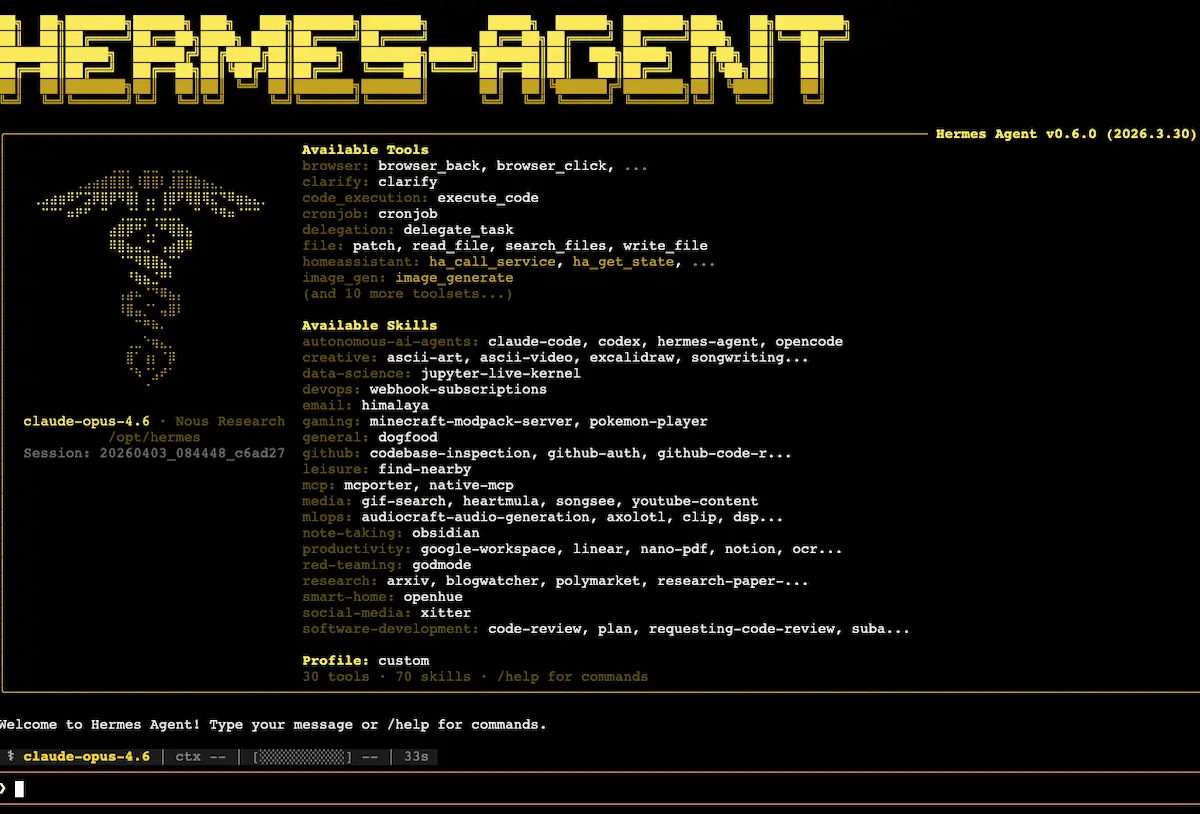
The install-guide articles cover how to get an autonomous AI agent like Hermes or OpenClaw running. The strategic-comparison articles cover why the category matters. The question that does not get answered in either is the one that comes immediately after: what does the agent actually do for you, six or twelve months in, once it has been wired into your real tools and accumulated the standing memory to operate inside your specific work?
Below is an inventory drawn from a power user who has been running this setup for months. The use cases are not theoretical. They are the daily reality of someone who has put in the integration time. Read together, they describe the level of leverage these systems reach once you stop thinking of them as chatbots and start treating them as connected operators.
The pattern underneath all of it
Before the inventory, the pattern worth noticing: every use case below follows the same shape. The user delegates an outcome, not a sequence of steps. The agent figures out which tools to use, executes against them in its own order, and reports the result. The human stays in the role of decision-maker for the cases where the agent flags uncertainty.
This is what the earlier articles in this series called loop engineering. Here, in practice, it produces a working pattern that is genuinely different from any chatbot interaction. The agent is not asking you to clarify your prompt. It is doing the work and surfacing only the decisions it cannot resolve on its own.
The unlock is not the agent. It is the integration. An agent without connected tools is a chatbot that types more confidently. An agent with full access to your email, your CRM, your data warehouse, and your CLI tools is a different category of system entirely. The use cases below describe what becomes possible when that integration is built.
Cluster 1: Reactive inbox handling
The first and most immediately useful category is anything that arrives as an incoming message and would otherwise eat your attention.
A real example. A subscription charge for $190 lands for a service the user no longer uses. They forward the receipt to the agent with one sentence: “Find the support email, send a cancellation and refund request from my account, mention I am no longer in San Francisco.” The agent locates the support address, drafts the email, sends it from the user’s own inbox, and reports back. Total user effort: one forwarded receipt, one sentence.
The same pattern handles customer support for the user’s own business. People who signed up for paid courses but did not receive access emails write in. The agent responds within ten minutes, debugs the email delivery issue, processes refunds within authorized limits, manages access problems, and escalates to a human assistant when it hits a case it has not seen before. Each new case becomes a skill: the agent records how the situation was resolved, and the next similar case is handled without escalation.
Sponsor management for the user’s YouTube channel follows the same shape. Incoming sponsor inquiries get triaged, negotiated, and responded to autonomously within pricing ranges the user has set. A daily digest summarizes the active conversations and asks the user to decide which sponsors to keep, which to decline, and which to push back on price. The user records an audio response. The agent handles the actual messaging from there.
The unifying feature of this cluster is that the work is fundamentally reactive. Something arrives, something needs to happen, the agent handles the path between the two without the user composing the response.
Cluster 2: Business operations
The second cluster is the work that previously required logging into multiple systems to produce a single output.
The flagship example is invoice generation. Someone in the user’s CRM asks for an invoice. The agent pulls the customer details from the email thread (via Front, an email management platform), queries the payment data in Stripe (via Stripe CLI), generates the invoice using a custom utility the user built on their own domain, and sends the invoice back through the original email thread. After completing the task, the agent writes a skill that records the workflow so the next invoice runs faster.
Business intelligence queries follow the same connected pattern. With the agent wired into the user’s production database (Convex), a separate Postgres instance, the YouTube API, the Twitter scheduling tool (Typefully), and the email system, a single question like “give me an analysis of the chat widget messages from visitors this quarter” results in actual data pulled from all relevant systems, joined, and summarized. Three thousand visitor messages get analyzed without the user opening a single dashboard.
This cluster is where the integration depth matters most. Every additional tool the agent has access to expands the range of business questions it can answer without you needing to be the one routing the data.
Cluster 3: Personal life management
The third cluster surprises most users when they see it in action: the same pattern that runs business operations works for personal life with no adjustment.
The most striking example is medical record management. The user maintains a folder of files describing every health issue they have encountered, with dates, medications taken, what worked, what did not, allergies, family history, recurring patterns. When something new comes up, the agent has more context on the user’s medical history than any individual specialist does, because no individual specialist has read the entire record.
This does not replace seeing an actual doctor, and the user is explicit about that. What it does replace is the work of remembering and organizing your own medical history under pressure. The agent can produce a summary for a new specialist, flag patterns the user might not have connected, and maintain the record going forward. The user remains the patient. The agent is the patient’s most informed file clerk.
Travel planning works on the same pattern. A friend proposes a trip in a WhatsApp conversation. The user forwards the entire thread to the agent with “find flights.” The agent navigates flight search sites, evaluates options against the constraints in the conversation, and reports back with concrete recommendations. The user does this while in a car or otherwise unable to research themselves. The agent does the work in the background.
The general life-admin pattern is the same. Anything that would have been a task on a list becomes a request to the agent, and the result arrives in a notification rather than as a tick on a list.
Cluster 4: Content creation with personal style
The fourth cluster is creative work that uses the user’s own past output as a style reference.
A typical use: the user gives the agent three videos they liked and says “find my style across my recent content and produce ten LinkedIn post ideas that match it.” The agent downloads the source videos, transcribes them, analyzes the user’s recent published content, identifies the stylistic patterns, and produces ten draft posts in that voice. Total time: roughly 25 minutes of agent work, roughly zero minutes of user attention.
The same pattern handles the user’s own YouTube content. Asked to extract the main ideas from a recent video, the agent uses a custom YouTube tool the user built, transcribes the video, identifies the structural points, and produces a content summary ready for other formats.
The pattern that makes this work is the agent’s accumulated knowledge of the user’s voice. Style references built up over months mean the agent does not produce generic posts. It produces drafts that sound enough like the user’s previous work to be edited rather than rewritten.
The boundary between business and personal use cases for these agents turns out to be less meaningful than expected. The same pattern of delegating outcomes works for both. What changes is which tools are connected, not what the agent can do.
Cluster 5: Coding tasks
The fifth cluster is the one the install guide hinted at. Hermes is a strong harness for coding work.
The agent can navigate the user’s repositories, identify what needs changing, make the changes, test the resulting application by actually launching it and interacting with the UI, verify that the changes work, and open a pull request. For persistent bugs, the success rate the user reports is in the 99 percent range when the environment variables and required data are accessible to the agent.
The interesting detail here is the active testing. The agent does not just write code and hope it works. It runs the code, clicks the buttons, checks the output, and iterates until the work passes its own verification. This is the sub-agent pattern operating at the level of “produce code” versus “test the produced code.” The writer is not the verifier, which is exactly the architectural choice that makes the output reliable.
The standing schedule
Underneath all the on-demand use cases above is a layer of standing work the agent does without being asked. The pattern is cron-style: scheduled tasks that run at fixed times, report their results, and reset.
A representative sample of what runs continuously in this user’s setup: a daily LinkedIn schedule check that confirms a post is queued for the day; a daily calendar digest summarizing what is on the schedule; a daily competitor video check that pulls the latest uploads from a tracked list of YouTube channels and suggests video ideas in response; a weekly business income digest pulling from the banking system; workspace backups running twice a day; a weekly link performance report; weekly YouTube stats updates; a daily inbox triage that auto-trashes notification emails; and a daily memory consolidation routine that processes the day’s chats and extracts useful information into long-term memory.
The total volume of work this layer absorbs is significant. None of it requires the user to remember it exists. The reports surface only when something is interesting enough to ask about.
The standing schedule is where the agent moves from “very useful when prompted” to “doing real work while you sleep.” The on-demand use cases above are the ones that feel impressive when you see them demonstrated. The schedule is the one that compounds.
What this actually costs
The economic side is worth being honest about. A power user setup at this depth burns tokens. Running primarily on a frontier model with a one-million-token context window, the user reports monthly model costs in the low hundreds of dollars range, and is reasonably skeptical about the exact figure his own dashboard reports.
The relevant comparison is not “this is expensive.” It is “this is replacing how many hours of how many people’s work.” Customer support handled within ten minutes by an agent that never sleeps, business intelligence queries that previously required a data analyst, sponsor negotiation that previously required the user’s own attention. The leverage ratio is real. The bill is also real.
What this is not
The honest caveats matter as much as the use cases.
The agent is not autonomously making business decisions. Every consequential action runs through review patterns. The customer support agent processes refunds within authorized limits, not on its own judgment about which customers deserve refunds. The sponsor agent negotiates within ranges the user has set, not at its own discretion. The escalation patterns are deliberate.
The medical record management is not medical advice. The agent is the patient’s most informed file clerk. It is not the doctor.
The skill auto-creation is useful but not perfect. The agent creates skills aggressively, including for tasks that did not need them. The user reports this as preferable to under-creating skills, but the skill library accumulates noise over time and benefits from occasional pruning.
The integration depth that makes all of this work is also the thing that makes it hard to set up. A new user wiring an agent into one tool gets one use case. The setup above represents months of accumulating integrations, building skills, and tuning escalation patterns. The leverage is real. The runway to get there is also real.
Frequently Asked Questions
Where do I start if I want to build toward this level of integration?
Pick one workflow you do repeatedly that already lives in tools the agent can access (email, a database, a scheduling tool). Wire the agent into those tools. Run the workflow once with the agent and let it create a skill. Then add the next tool, the next workflow. Each addition compounds with the previous ones. The compounding, not the first integration, is where the leverage lives.
Does the agent really run autonomously, or does it require constant supervision?
It runs autonomously within scopes the user has explicitly authorized. The pattern that makes this work is tight permission scoping combined with explicit escalation routes for anything outside scope. The agent is not making decisions in categories the user has not pre-approved. It is executing within categories the user has.
What is the realistic monthly cost for a setup at this depth?
Token costs scale with how much work the agent does. A heavily used setup with a frontier model and a million-token context window will run in the low hundreds of dollars per month range. Lighter setups using a connected subscription (ChatGPT, Grok) avoid per-token charges and are dramatically cheaper. The right way to evaluate the bill is against the volume of work the agent is replacing, not as a pure software cost.
What about privacy and data exposure?
Every tool the agent has access to is a potential data exposure surface. The right framing is to think of the agent as a contractor with full keys to your business. Setups that handle sensitive data should consider running the agent against local or self-hosted models rather than frontier APIs, and should think carefully about which tools genuinely need to be connected versus which are convenient to connect.
What is the most underrated use case in this list?
The standing schedule, probably. The on-demand use cases feel impressive when demonstrated. The cron jobs are the ones that compound silently and absorb the most attention over time without ever being visible. A daily inbox triage routine that runs for a year has saved more time than any single demo you can show.
How long before a setup reaches this level of usefulness?
Months, not weeks. Integration depth, skill accumulation, and trust calibration all take real time. A new agent at week one does perhaps five percent of what an agent at month twelve does. The compounding is the point. The install guide gets you started; the months of accumulated integrations are what produce the actual leverage.
