

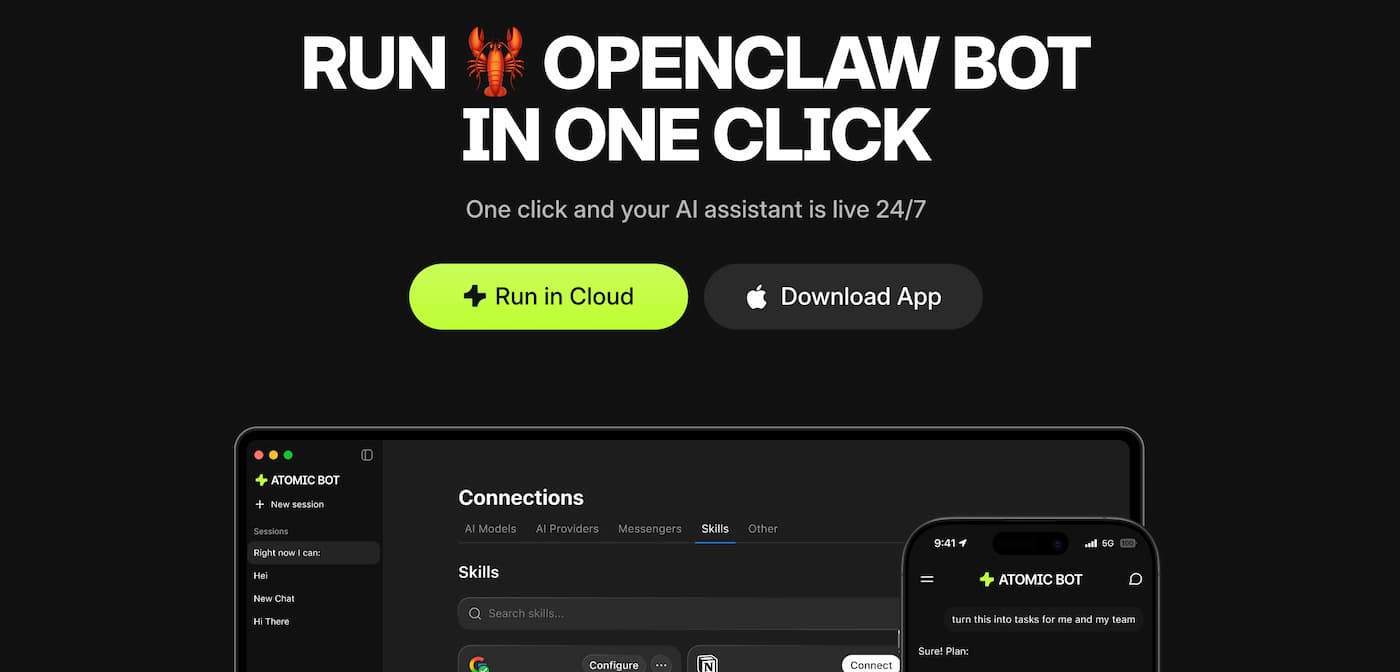
Spotted trending on Product Hunt, Atomic Bot is quickly becoming one of the most talked-about AI productivity tools of 2026. Here’s what it is, how it works, and why early adopters say it feels like hiring a digital employee.
What is Atomic Bot?
OpenClaw for humans on macOS app!🦞
– Private – your data is safe on your local device
– Free with your own LLM api keys
– Open source – nothing to hide in trenches
– One click installer, beautiful UI, integrationsDownload & run your own agent: https://t.co/NNY6CtChfz pic.twitter.com/JCICKNQRtc
— atomicbot.ai (@atomicbot_ai) February 12, 2026
Atomic Bot is a native application that transforms the powerful OpenClaw (Clawdbot) framework into a user-friendly, always-on AI assistant. Instead of dealing with complex terminal commands and manual configuration, users can launch a fully operational AI agent in just a few clicks.
The concept is simple but powerful: one installation, one login, and your AI assistant is live 24/7 — ready to manage emails, automate workflows, monitor information, and execute real actions across your digital environment.
With more than 157,000 stars on GitHub for the underlying OpenClaw ecosystem and strong momentum on Product Hunt, Atomic Bot is positioning itself at the center of a major shift: the rise of personal AI agents that don’t just chat — they work.
Why Atomic Bot is gaining traction?
Until now, tools like OpenClaw offered impressive capabilities but required technical skills to deploy. Atomic Bot removes that barrier by packaging the full system into a familiar desktop experience.
- Guided installation in minutes
- Pre-installed skills and integrations
- One-click Google sign-in
- No mandatory terminal usage
- Cloud or local deployment options
In short, Atomic Bot delivers the power of a developer-grade autonomous agent to everyday professionals, creators, and operators.
What Atomic Bot can actually do?
Unlike traditional chat-based AI tools, Atomic Bot is designed to take action across your tools. It can control your browser, interact with services, and automate workflows end-to-end.
Email & Calendar Automation
- Clean and organize Gmail threads
- Draft replies in your tone
- Send follow-ups automatically
- Schedule or reschedule meetings
- Set reminders and recurring events
Document Intelligence
- Summarize long PDFs and documents
- Extract key insights and action items
- Turn information into structured tasks
Browser Autopilot
- Fill forms automatically
- Navigate multi-step workflows
- Collect and organize web data
Productivity & Monitoring
- Track competitors, mentions, or trends
- Generate daily digests
- Organize downloads and files
- Act as a personal “second brain”
- Run scheduled or recurring tasks
The platform currently connects with 100+ apps and supports thousands of customizable skills.
How Atomic Bot works?
The setup process is designed to go from zero to operational in minutes:
- Download the app (or launch in the cloud)
- Connect your tools and services
- Start interacting with your AI coworker
The assistant runs continuously and features persistent memory, meaning it remembers your preferences, workflows, and ongoing tasks over time.
Users can also choose between multiple AI engines, including Claude, GPT, Gemini, and others — switching depending on the task.
Cloud vs Local: Privacy-first design
One of Atomic Bot’s key selling points is flexibility around data and privacy.
- Local mode: runs directly on your Mac, keeping data on-device
- Cloud mode: encrypted execution accessible from any device
- Hybrid setups: combine both approaches depending on workflow
This makes the tool particularly attractive for professionals handling sensitive information.
Pricing: Is Atomic Bot free?
Atomic Bot offers a free version that provides full functionality. Users who prefer a simpler setup can opt for a paid option that removes the need to manually configure API keys.
Costs may also depend on the AI models you choose (Claude, GPT, etc.), since usage is tied to those providers’ pricing.
How it compares to ChatGPT
While ChatGPT and similar tools focus primarily on conversation and content generation, Atomic Bot is built around a different philosophy:
- ChatGPT: answers questions and generates content
- Atomic Bot: executes real tasks across your environment
Think of it less as a chatbot and more as a digital operator sitting at your computer.
Early user feedback
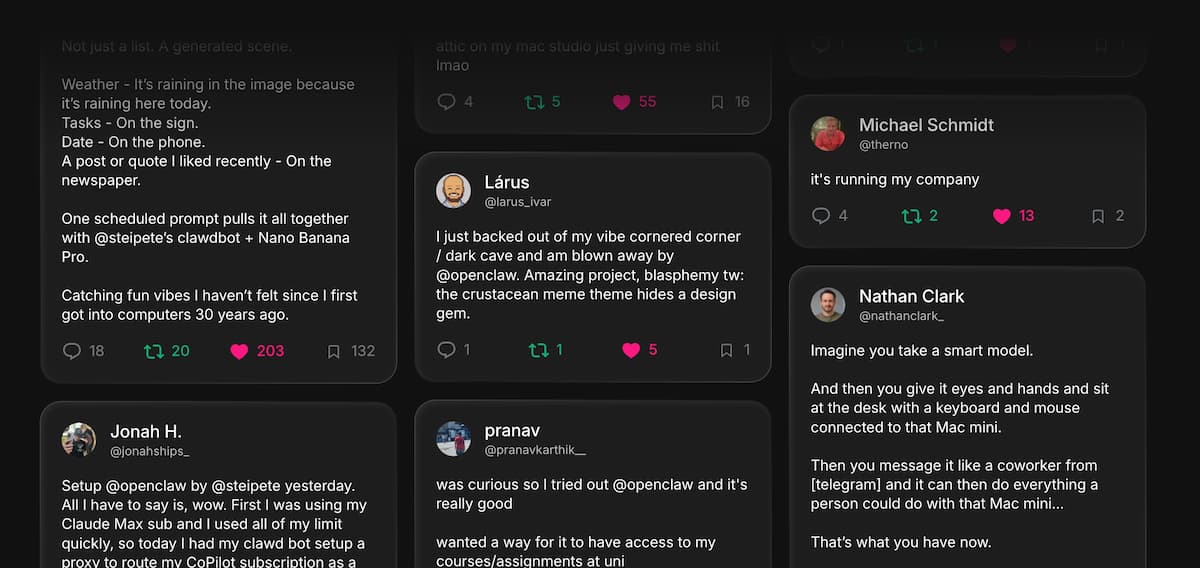
Early adopters describe Atomic Bot and OpenClaw as a major step toward true personal agents. Some reported use cases include:
- Generating visual morning briefings combining weather, tasks, and news
- Building custom skills that evolve over time
- Automating university reminders and workflows
- Managing business operations with minimal manual input
- Even handling customer or insurance communications autonomously
One user summarized the experience: “Imagine giving an AI eyes, hands, and a computer — then messaging it like a coworker.”
Who should use Atomic Bot?
- Founders and solopreneurs
- Operators and growth teams
- Content creators and marketers
- Developers and power users
- Anyone managing repetitive digital workflows
If your work involves email, documents, research, monitoring, or browser-based tasks, Atomic Bot aims to become your always-on execution layer.
The bigger trend: 2026 is the year of personal AI agents
The success of Atomic Bot reflects a broader shift in the AI landscape. The next wave of productivity tools isn’t about better prompts — it’s about autonomous agents that work continuously in the background.
With its one-click deployment and strong early adoption, Atomic Bot may be one of the first tools to bring that future to mainstream users.
Bottom line: Atomic Bot turns the powerful but technical OpenClaw ecosystem into a practical, everyday AI coworker. For professionals looking to automate real work — not just conversations — it’s one of the most promising tools to watch in 2026.
