


Are you struggling to find a low pressure environment to practice your speaking skills without the high cost of a private tutor?
This Learna AI review explores how this virtual chat assistant uses real-time feedback to bridge the gap between basic grammar and conversational confidence.
You will discover if its personalized spiral learning path and affordable subscription tiers offer the specific edge you need to master English at your own pace.
The essential takeaway: Learna AI serves as a low-pressure “confidence bridge” for beginner and intermediate learners to practice English through interactive AI chatting. It effectively reduces speaking anxiety by providing a judgment-free environment for daily conversation. With a 4.4/5 star rating from 2.5K users, it offers an affordable, $31 annual supplement for consistent, practical fluency.
Learna AI Review: Our Summary and Rating
The landscape of language acquisition is shifting rapidly toward automation. Learna AI enters this space as a comprehensive English learning mobile app. It utilizes a virtual chat character to provide real-time conversational feedback to its users.
The core promise focuses on three pillars: grammar, speaking, and vocabulary building. It creates a low-pressure environment specifically for beginner and intermediate learners. This setup helps users gain confidence without the anxiety of a traditional classroom.
Our assessment reveals an innovative tool, yet it faces hurdles regarding advanced fluency. While the AI is responsive, it lacks the nuance required for mastery. Experienced speakers might find the conversational depth somewhat restrictive for their needs.
The user interface remains clean and distraction-free for daily study. Navigation stays simple, highlighting “Progress” and “Profile” tabs to track active study time. This streamlined design ensures that the focus remains entirely on the learning path.
We rate this app 4/5 stars for its accessibility and engagement. It is a solid choice for those starting their English journey.
Learna AI offers a refreshing, low-anxiety way to practice English, though it lacks the depth required for truly advanced mastery.
For more details, check out this Learna AI review by Emma Miller.
Learna AI Pricing and Subscription Models
Moving from the general overview to the practical side of things—the hit to your wallet.
Breakdown of Learna Pro Subscription Tiers
The monthly plan costs about 5 dollars for basic access. Alternatively, the annual option sits at 31 dollars. This yearly commitment offers much better long-term value.
A 3-day free trial is available initially. However, features become heavily restricted once this trial expires. You must upgrade to continue chatting with the AI.
Pro unlocks unlimited chat sessions. It also provides advanced vocabulary exercises.
Payments are handled via app stores. This ensures a standard, secure process.
| Plan Type | Price | Best For |
|---|---|---|
| Monthly Plan | $5/mo | Short-term testing |
| Annual Plan | $31/year (approx $2.58/mo) | Consistent learners |
| Free Version | Limited Trial | Initial discovery |
Our Opinion on the Learna AI Cost
The price-to-value ratio is impressive. At 31 dollars a year, it costs less than one hour with a private tutor. The savings are clear.
Compared to classroom learning, Learna AI offers more flexibility. You lose the structured curriculum but gain 24/7 availability. Is the five-dollar monthly fee worth it? For daily users, it is a steal.
It is a budget-friendly supplement. Don’t make it your only study resource.
For the price of a coffee, the value remains high. It competes well with the best productivity tools on the market.
Learna AI: Who Is This App Actually For?
Now that we’ve covered the cost, let’s talk about the specific type of learner who will actually benefit from this tool.
Learna AI primarily serves beginners and intermediate students. It offers a structured path for those building a foundation. Advanced learners might find the lack of complex linguistic nuance frustrating over time.
This app is a haven for those battling “speaking anxiety.” The AI chat provides a safe, judgment-free space to make mistakes. You can practice conversing without the pressure of a human listener.
Busy professionals will appreciate the efficiency here. The lessons fit perfectly into ten-minute gaps between meetings or during commutes. It is a tool designed for consistency rather than deep academic immersion.
Self-taught hobbyists can also find great value. If you already study with textbooks, this app adds the vital conversational element. It bridges the gap between reading and actually speaking.
Ultimately, it suits those seeking practical, casual practice. It is ideal for gaining confidence rather than chasing formal academic certification.
- Beginners needing basic grammar and personalized plans.
- Intermediate students overcoming speaking fear through AI interaction.
- Busy users with short study windows between daily tasks.
- Learners on a strict budget seeking affordable “Learna Pro” options.
Key Learna AI Features for Language Learners
To understand why it works for these groups, we need to look under the hood at the specific features.
AI Chat Tutor for Conversational Practice
Interacting with the AI character feels surprisingly natural. It responds in real-time to your inputs. This setup mimics a real-life conversation quite effectively for daily practice.
The personalized “spiral” learning path is a standout. The AI remembers your previous mistakes and resurfaces them later. This method reinforces long-term retention without feeling repetitive.
I found the AI’s tone very encouraging. It remains patient regardless of your pace. This supportive environment helps beginners build much-needed speaking confidence.
The chat interface is primarily text-based. However, you can use voice-to-text features for a hands-free experience. Check out this guide on ChatGPT audio transcription to compare how different AI models handle speech.
Grammar and Vocabulary Building Tools
The automated correction system is sharp. When you type a mistake, the AI highlights it instantly. It then provides a brief, clear explanation.
Daily vocabulary exercises feel relevant because they are custom-made. They draw from your actual chat history. You learn words that you recently tried to use in context.
The ‘Progress’ tab keeps you accountable. It tracks exactly how many new words you have mastered each week. Seeing these visual milestones keeps the momentum going.
This approach beats boring rote memorization any day. Because you use the words in active conversation, the grammar tends to stick much better.
Voice Recognition for Pronunciation Feedback
The voice recognition is generally accurate but has limits. It can struggle with heavy accents or subtle phonetic nuances. It works better for checking general flow than perfect coaching.
To improve results, always use a headset in a quiet room. If the AI fails to understand you, try shortening your sentences. This usually clears up most processing errors.
Background noise is the main culprit for recognition issues. Even slight ambient sounds can confuse the system.
While helpful for building courage, it doesn’t replace a human coach. Use it as a convenient daily supplement.
Learna AI Customer Reviews and Ratings
Our experience is one thing, but what does the broader community think about Learna AI?
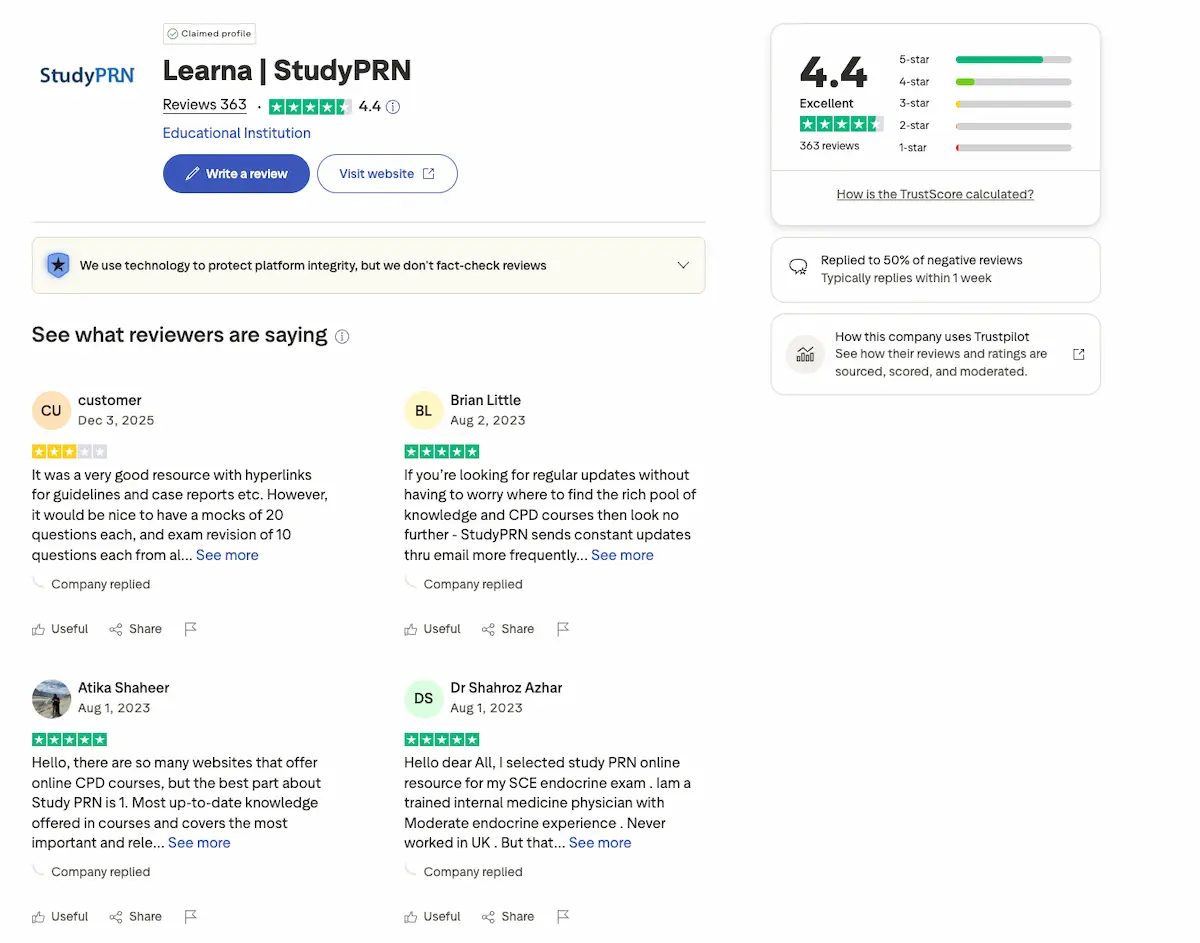
Most users highlight the app’s intuitive interface and friendly AI tutors. The platform maintains a strong 4.4-star rating on the App Store. People genuinely enjoy the low-pressure conversational environment it creates.
However, some learners miss structured video lessons for deeper theory. Others feel the jump from the free trial to the subscription is too abrupt. A few users find the weekly cost quite steep.
Technically, the app is solid and well-optimized for mobile devices. It rarely crashes, ensuring a smooth flow during daily study sessions. Performance remains consistent across iPhone and iPad versions.
The general consensus is clear: it is a powerful companion for consistent daily practice. It bridges the gap between passive learning and active speaking.
Users consistently praise the app’s ability to make daily practice feel less like a chore and more like a quick chat with a friend.
Final Verdict on the Learna AI App
So, after weighing the features and the feedback, here is the bottom line.
Learna AI stands as a solid choice for its price point. It specifically excels at building user confidence and basic fluency through its AI-driven chat interface. The interactive nature makes daily practice feel less like a chore.
However, keep your expectations realistic regarding the limitations. You won’t reach a native-level mastery using this tool alone. It lacks genuine human interaction and the deep cultural context that only a real tutor provides.
My final recommendation is simple. Download the free trial first to ensure the AI’s voice recognition accurately picks up your accent. It is the best way to test the tech risk-free.
Looking ahead, AI tools like this are definitely the future of accessible language education. They provide a low-pressure environment to start speaking today.
This Learna AI review highlights a budget-friendly tool perfect for building conversational confidence and mastering daily vocabulary through low-pressure AI interaction. Start your free trial today to overcome speaking anxiety and transform your English fluency. The future of accessible, personalized language education is already at your fingertips.
FAQ
Is Learna AI actually free to use?
Learna AI operates on a freemium model, but the free version is quite restrictive. While you can download the app and start a trial, you will quickly encounter a daily time limit—often around 5 minutes—after which you must upgrade to a Pro subscription to continue chatting with the AI characters.
Be aware that the onboarding process can feel aggressive, often pushing a paid plan immediately upon signup. If you want to test the features without a commitment, look closely for skip options, though many users find the $31 annual plan is necessary to get any real value from the tool.
How much does a Learna AI subscription cost?
For individual learners, the Learna Pro subscription typically costs $5 per month or approximately $31 for an annual commitment. The annual option is the most cost-effective choice, bringing the monthly breakdown to about $2.58. Some users also report weekly subscription options around $7, so it is vital to check your specific app store terms.
For business or team needs, Learna AI offers tiered pricing. A Basic plan for small teams starts at $29 per user/month, while the Professional plan is priced at $59 per user/month, offering advanced analytics and priority support. Custom Enterprise solutions are also available upon request.
Can Learna AI really help me speak English better?
Yes, the app is particularly effective for beginner and intermediate learners who struggle with “speaking anxiety.” By chatting with a virtual AI persona, you can practice real-time conversation in a judgment-free environment. The AI provides instant feedback on grammar and suggests corrections, which helps build confidence for real-world interactions.
However, it is important to manage expectations. While it excels at building basic fluency and vocabulary, it lacks human nuance and deep cultural context. It is best used as a high-frequency practice “sidekick” rather than a total replacement for a human tutor or structured academic course.
Does the app provide feedback on my mistakes?
One of the core features of Learna AI is its automated correction system. When you send a message, the AI highlights errors and provides brief explanations of the correct rules. It also features a “spiral” learning path that reintroduces your past mistakes in future sessions to ensure long-term retention.
Some users have reported technical bugs where session feedback isn’t always delivered at the very end of a chat. To get the most out of the app, ensure you are using the latest version and actively engage with the Progress tab to track the new words and grammar rules you have mastered.
Is it easy to cancel a Learna AI subscription?
Based on user feedback, canceling a subscription can be more complex than signing up. While subscribing takes only a few taps via the App Store, some users have found the cancellation process tedious, sometimes requiring navigation through external settings or websites.
To avoid unexpected charges, we recommend managing your subscription directly through your iOS or Android account settings rather than looking for a “delete” button inside the app itself. Always cancel at least 24 hours before the trial or current billing period ends to ensure you aren’t billed for the next cycle.
