


Are you still wasting hours manually typing names into templates and fixing formatting errors? Using a professional online certificate generator eliminates these tedious administrative bottlenecks while ensuring every credential looks flawless.
This guide evaluates the top tools that bridge the gap between creative design and automated bulk issuance, focusing on high-performance features like CSV data imports and secure digital verification standards that protect your data.
By leveraging advanced API workflows and dynamic text resizing, you will transform your certification process into a scalable, high-impact system that builds instant authority and long-term trust with your successful recipients.
The essentials: A professional certificate generator must balance automated bulk creation via CSV/Excel with secure, verifiable digital credentials. This eliminates manual entry errors and builds organizational trust through instant QR code verification. Notably, top platforms provide over 100 professional templates, allowing organizations to scale high-quality certification while maintaining absolute brand consistency, security, and operational efficiency.
Key Features of a Reliable Online Certificate Generator
Choosing the right online certificate generator is the first step toward professional recognition. While many tools exist, professional results depend on specific technical capabilities that handle the heavy lifting of administration.
Data Handling and Bulk Export Capabilities
Importing recipient data via CSV or Excel simplifies the entire workflow. This eliminates manual entry errors for large groups. It is the backbone of scaling your certification program effectively.
Output formats like high-resolution PDFs work best for printing, while PNGs are ideal for digital sharing. Quality must remain sharp across all mediums. Professionalism depends on this visual clarity.
Bulk exporting saves hours of work. It is a non-negotiable feature for large-scale events.
- Supported import formats (CSV, XLSX).
- Export options (Print-ready PDF, High-res PNG).
- Automated field mapping for names and dates.
Digital Verification and Security Standards
GDPR compliance and data protection are vital for sensitive student records. Security is not an afterthought in certification. You must protect personal information at every step. Trust is built on these rigorous safety standards and robust encryption protocols.
Unique verification URLs allow employers to confirm credential authenticity instantly. These links provide a direct path to the source.
Digital signatures add another layer of protection. They provide secure and verifiable digital certificates for every single recipient.
Bannerbear for Automated Bulk Creation via API
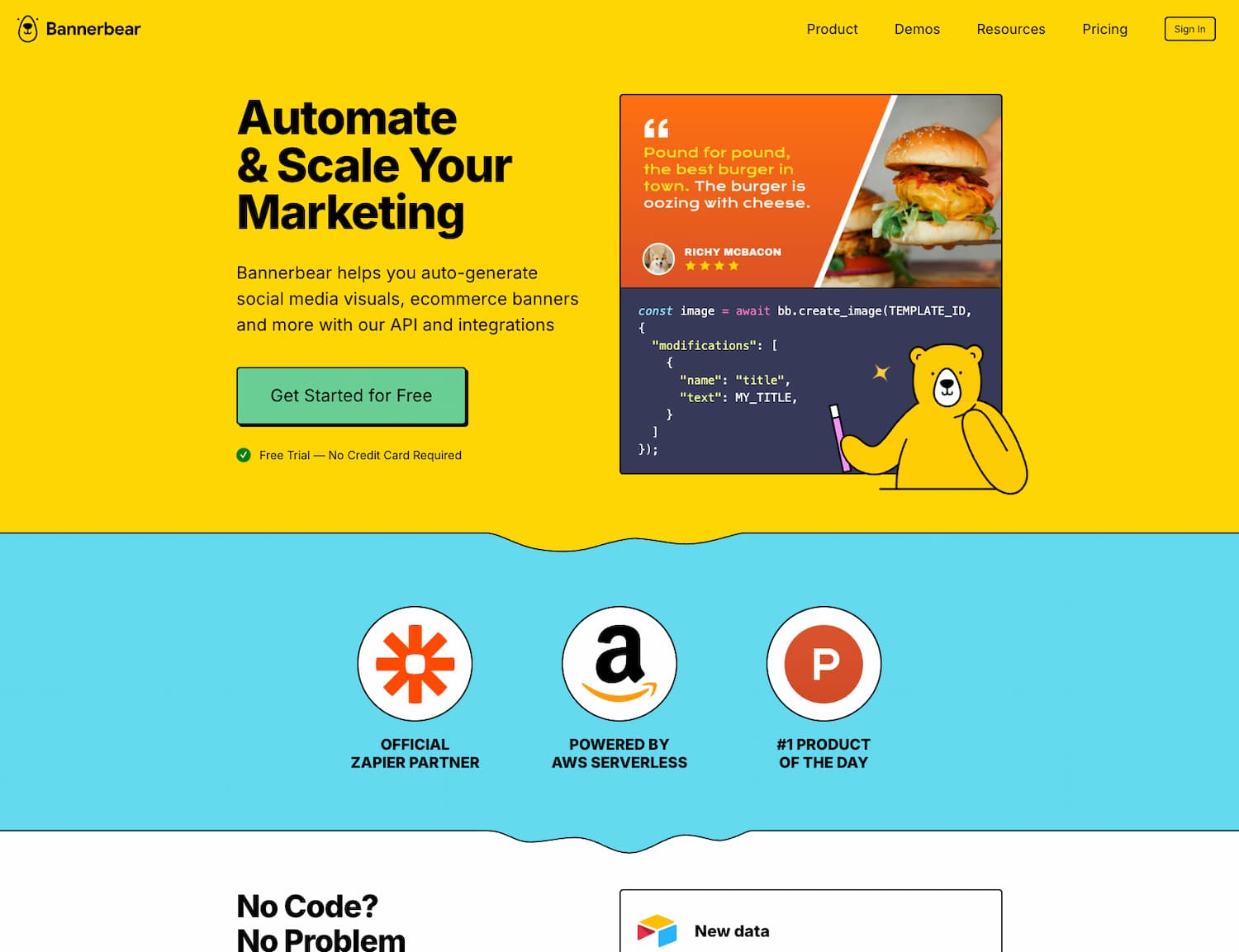
Standard design tools work for one-offs, but scaling requires a shift toward developer-friendly automation that handles heavy lifting without breaking your workflow.
Dynamic Text Resizing and Multi-language Support
Bannerbear uses a smart “Text Fit” feature. Long names automatically shrink to stay inside designated borders. This prevents messy overlaps and keeps every layout looking sharp and professional.
Global certification programs need more than just Latin characters. The system fully supports Arabic, Japanese, and Chinese scripts. You simply adjust the font charset to match your specific linguistic requirements.
Visual consistency stays perfect across every language. The layout adapts instantly to whatever data you provide.
Native Integrations with No-Code Platforms
Connect your generator directly to Airtable or Make for a hands-off experience. Automation removes the need for human intervention. You set the trigger once. The system handles the rest of the document generation process.
Using an API for high-volume tasks is a smart move. It scales without friction as your organization grows.
Pair these workflows with the best productivity tools to stay ahead.
API-driven generation is no longer a luxury for large-scale certification; it is the standard for operational efficiency in 2026.
Canva for Visual Design and Massive Template Variety
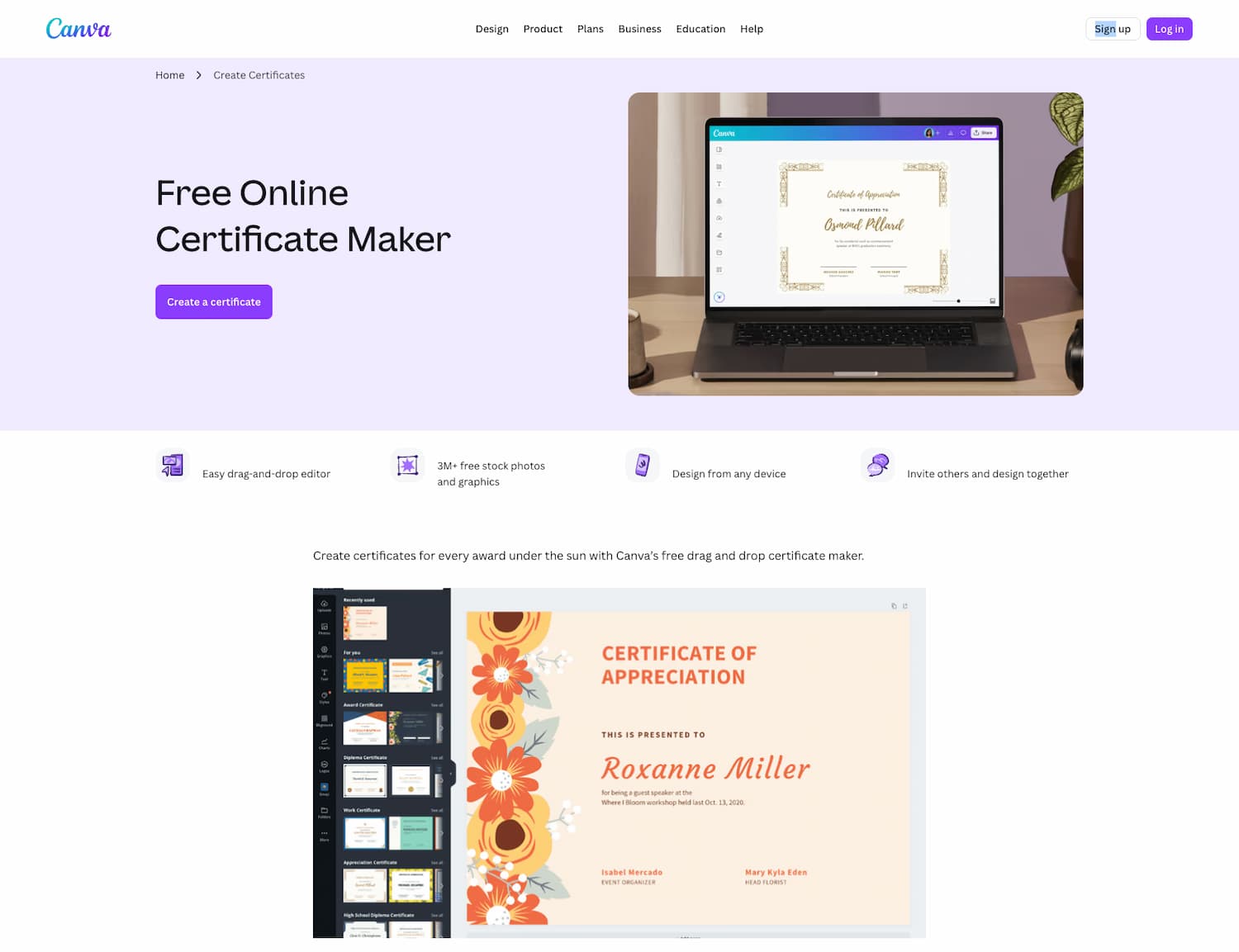
Forget the technical back-end for a moment. Let’s focus on the creative side where visual impact and ease of use take center stage for non-designers using an online certificate generator.
Intuitive Drag-and-Drop Customization
Choose from 100 professional graduation templates. These layouts provide a solid starting point, similar to best wireframing tools for structure. You don’t need artist skills.
Simply upload your custom logos and adjust the brand colors. This personalization is straightforward and fast. You can match your organization’s identity in just a few clicks.
The interface is incredibly user-friendly. Most users create their first certificate in under a minute.
Collaborative Workflows for Organizational Branding
Real-time editing features help teams working on event credentials. Collaboration happens in the cloud without friction. Multiple stakeholders can review and approve designs simultaneously. This speeds up the entire production cycle significantly.
Maintain a consistent visual identity without any hassle. Brand kits make sure that every certificate uses the correct fonts.
Shared folders keep all assets organized. Teams stay aligned on the latest versions easily.
Certifier for Streamlined Distribution and Recipient Tracking
Building a beautiful certificate with an online certificate generator is only half the battle. The real value comes from getting that document into the recipient’s hands quickly.
Automated Email Delivery and LinkedIn Sharing
Certifier includes a native system to send credentials straight to inboxes. This eliminates the headache of juggling external mail clients. It makes the entire administrative workflow significantly faster.
The one-click LinkedIn integration is a massive win. Users genuinely enjoy broadcasting their hard-earned wins. This instantly amplifies your brand’s reach across massive professional networks.
Social proof drives growth. Simple sharing mechanics naturally attract more participants to your certification programs.
Engagement Analytics and Recipient Portals
You can monitor social shares and specific download rates easily. This data proves whether your program hits the mark. Identify exactly who has claimed their digital reward. Use these granular insights to sharpen your long-term engagement strategy.
A centralized portal provides a dedicated space for users. They can grab their files whenever they want without bothering you.
Self-service options slash administrative work. They empower your graduates while saving your team precious hours.
| Feature | Purpose | Impact |
|---|---|---|
| Email Automation | Direct delivery to recipients | Faster issuance and less manual work |
| LinkedIn Integration | One-click profile sharing | Increased organic brand visibility |
| Analytics Dashboard | Monitor shares and downloads | Data-backed program optimization |
| Recipient Portal | Centralized file access | Reduced administrative support requests |
Accredible for Blockchain Security and Credential Management
High-stakes certification via an online certificate generator demands absolute security and long-term oversight for institutions.
Blockchain-based Verification and QR Codes
High-security certifications rely on tamper-proof records. Blockchain tech keeps data unaltered forever. This creates an immutable achievement record for every single student.
Scanning a unique QR code verifies the document instantly. It remains the fastest method to check validity. You won’t need phone calls to registrar offices anymore.
Try EdgeOne’s free generator for quick alternatives. It works fast.
Automatic Renewal and Expiration Tracking
Manage recurring certifications with automated expiration reminders. Some skills require regular updates to stay valid. The system alerts recipients before credentials lapse. This maintains high compliance standards.
Move from physical paper to digital-first credentials. This shift is sustainable and much harder to lose.
Digital badges often accompany these certificates. They offer a modern way to show skills.
Transitioning to a digital-first credentialing system isn’t just about saving paper; it’s about building a verifiable ecosystem of trust.
Selecting the right online certificate generator balances automated workflows with professional design and blockchain security. Choose a tool matching your volume to eliminate manual errors today. You will soon issue verifiable, high-impact credentials that build lasting global trust and professional recognition instantly.
FAQ
What are the essential features of a professional online certificate generator?
When choosing a tool, you should prioritize ease of use, customization, and bulk generation capabilities. A high-quality generator must offer a library of professional templates and an intuitive drag-and-drop editor that allows you to adjust colors, fonts, and logos. For organizations looking to scale, features like automated email delivery and centralized tracking are crucial for managing the entire certification lifecycle.
Can I generate certificates in bulk using data from Excel or CSV files?
Yes, most leading tools allow you to import recipient data directly from CSV or Excel (.xlsx) files. This process involves mapping your spreadsheet columns to specific fields on your certificate template, such as the recipient’s name or the date of completion. This automation eliminates manual entry errors and allows you to generate hundreds of unique, print-ready PDFs or high-resolution images simultaneously.
How can I automate certificate creation using no-code platforms?
You can achieve a fully automated workflow by connecting generators like Bannerbear or CraftMyPDF to platforms such as Zapier, Make, or Airtable. These integrations allow the system to trigger certificate generation automatically whenever a specific action occurs, such as a student passing an exam. This “hands-off” approach handles everything from data processing to final distribution without requiring any programming knowledge.
What security standards ensure that digital certificates are authentic and secure?
To maintain trust, look for tools that offer blockchain-based verification or unique QR codes that allow employers to verify credentials instantly. It is also vital to choose platforms that adhere to GDPR standards and data protection frameworks like ISO/IEC 27701. These measures ensure that sensitive recipient information is encrypted and that the final documents are tamper-proof.
Which online tool is best for designing certificates quickly without design skills?
Canva is an excellent choice for beginners, offering over 100 professional templates and a massive library of free graphics that allow you to create a design in under a minute. If your priority is automated consistency, Bannerbear is a powerful alternative; it features dynamic text resizing to ensure that long names always fit perfectly within the borders of your certificate without manual adjustments.
How can recipients share their certificates on professional networks like LinkedIn?
Advanced platforms like Certifier provide built-in integrations that allow recipients to add their certificates to the LinkedIn Licenses & Certifications section with a single click. This not only rewards the recipient but also increases your organization’s visibility. Many tools also offer recipient portals where users can access, download, or share their credentials on social media at any time.
